TakePayments is a well-known company in the UK. It helps small businesses and people who work alone accept card payments in a simple way. The company is part of a bigger group called Global Payments. They have helped many businesses for a long time.
In 2026, their main mobile app is called beepaidGO. This app lets you take payments using only your phone. You do not need to buy an extra card machine. It is perfect for people who work outside, like plumbers, taxi drivers, hairdressers, builders, or anyone who moves around a lot.
This guide uses very simple English. It explains everything step by step: what the app does, its best features, how to download it for free, how to log in, what people say in reviews, and more. All information comes from the official TakePayments website and trusted review sites like Trustpilot. No made-up details here.
What is the TakePayments App?
The app is named beepaidGO. It turns your smartphone into a tool to get paid.
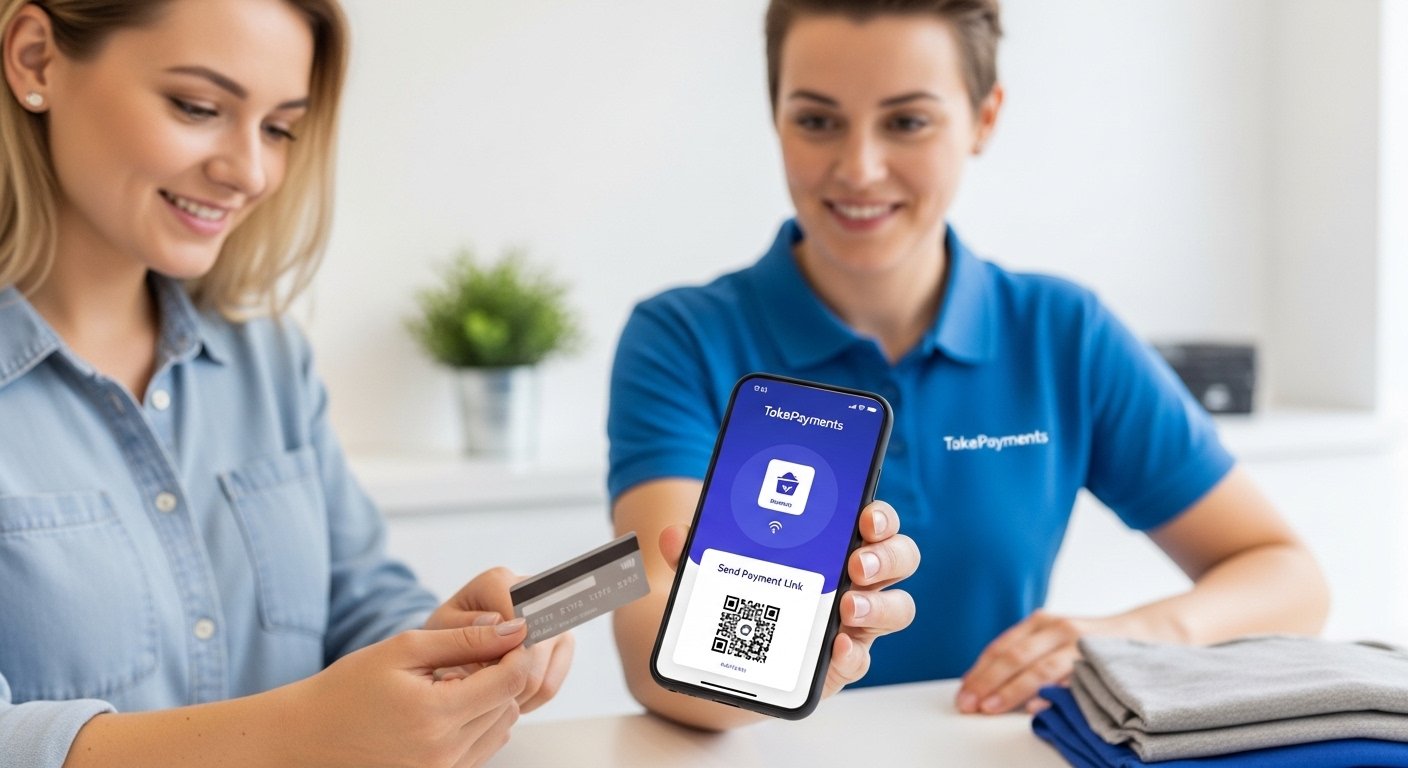
You open the app on your phone. You make a quick invoice (a bill). Then you send a safe link to your customer by text, email, or WhatsApp. The customer clicks the link and pays with their card. You get a buzz or notification when the payment comes in.
You can see the money in your bank account the next working day in most cases.
This app is great for busy people. For example:
- A plumber finishes a job at someone’s house.
- They open the app.
- They put in the amount.
- They send the link.
- The customer pays right away.
- No need to wait for cash or write a cheque.
TakePayments also has other tools, like small card machines or online payment pages for websites. But beepaidGO is the easy mobile one for people on the go.
The company focuses a lot on small UK businesses. They give personal help from real people. They make sure everything is safe and follows the rules for card payments.
Main Features of beepaidGO in 2026
Here are the key things the app can do. It is simple and helpful:
- Use only your phone – no extra device needed.
- Make an invoice fast – add the amount, customer name, and details in seconds.
- Send safe payment links – by text, email, or any app like WhatsApp.
- Accept card payments – customers pay with debit, credit, Apple Pay, or Google Pay.
- Get contactless payments – even for bigger amounts if the card allows it.
- Get notifications – the app buzzes or shows when payment is done.
- Track everything – see all your payments, when they came in, and how much.
- Save customer details – for regular customers, so next time is faster.
- Stay safe – all payments are protected with strong security.
- Export data – send your sales info to your accountant or accounting software.
- Work anywhere – good for tradespeople, beauty services, takeaways, taxis, and more.
Some businesses also use another app from TakePayments called Order and beepaid. That one is for restaurants or cafes to take orders and payments at the table or for delivery. But beepaidGO is the main one for normal mobile payments.
Many users say the app saves a lot of time. It makes getting paid quick and easy.
How to Download beepaidGO for Free
Downloading the app is free and very easy.
For Android phones:
- Open the Google Play Store.
- Search for “beepaidGO” or “takepayments”.
- Find the official app by takepayments Limited.
- Tap Install. It is free and downloads fast because the size is small.
For iPhone (iOS):
- Open the App Store.
- Search for “beepaidGO” or “takepayments”.
- Find the app by takepayments Ltd.
- Tap Get to download it free.
After you download it, open the app.
To use it fully, you need a TakePayments account. If you do not have one:
- Go to the official website: www.takepayments.com.
- Click to sign up or get a quote.
- Fill in simple details about your business.
- They check and approve it quickly in most cases.
- Then you get login details to use in the app.
Always download from the official Play Store or App Store. Do not use other websites to stay safe.
The company has a welcome team. They help new users learn the app fast.
How to Log In to the beepaidGO App

Logging in is simple.
- Open the beepaidGO app on your phone.
- Put in your email and password (the ones you got when you signed up).
- If you forgot your password, tap “Forgot password?” and follow the easy steps to reset it.
- You can use a PIN or fingerprint/face ID for faster and safer login next time.
- After login, you see your main screen. It shows recent payments, a button to make new invoices, and sales info.
If you are new and do not have an account yet:
- First sign up on www.takepayments.com.
- Give basic info like your name, business type, and contact details.
- Wait for approval (usually fast).
- They send you login details by email.
- Use those to log in to the app.
Some people log in to the web portal on a computer too. It is called takepaymentsplus or similar. There you can see more details and reports.
If you have any login problem, contact their support. Many users say the team helps quickly and kindly.
Reviews of TakePayments and beepaidGO in 2026
Reviews tell us if something is good or not. TakePayments has very strong reviews.
On Trustpilot (a trusted review site), they have over 63,000 reviews. The average score is 4.9 out of 5. That is “Excellent”. Most reviews are 5 stars (a very high number).
People love:
- Friendly customer service.
- Helpful staff who answer questions fast.
- Easy setup.
- Reliable payments that come on time.
- Personal advisors who really care.
Many small business owners say it is one of the best companies they used. Tradespeople and mobile workers especially like the app because it is simple and no extra hardware.
Of course, not every review is perfect. A few people had issues in the past with setup or other things. But in 2026, most recent reviews are positive. The company has the highest number of 4-star and 5-star reviews compared to similar companies.
Other review sites like Merchant Savvy or Mobile Transaction also give good scores. They say TakePayments is great for small businesses because of custom prices and good support.
Overall, users trust it a lot and recommend it.
Pricing – How Much Does It Cost?
TakePayments does not have one fixed price for everyone. They make a plan that fits your business.
- The beepaidGO app is free to download and start.
- You pay a small fee for each payment you take (a percentage plus a tiny fixed amount).
- No big starting costs for the basic app.
- Money goes to your bank the next working day.
- If you want a card machine too, there may be some costs, but the app alone is low-cost.
You can get a free quote on their website. Tell them about your business, and they give you a personal price.
Why Pick beepaidGO in 2026?
There are many payment apps out there. But beepaidGO is special because:
- It is made for UK small businesses.
- You get real help from people in the UK.
- Very high trust from thousands of reviews.
- Super easy to use, even if you are not good with tech.
- Safe and fast payments.
- Works well for people who work away from a shop.
If you want to get paid quicker without carrying extra things, this app can help your business grow.
Final Words
The TakePayments app, beepaidGO, makes taking card payments very easy in 2026. It is free to download, simple to use, and comes from a company with excellent reviews.
You can send payment links fast, get paid on your phone, and track everything easily. Many happy users say it changed how they work for the better.
Disclaimer:
This article is only for information. It is not an ad or affiliate post. We do not earn money if you use the app. We are not responsible for any problems or losses. Always check the official TakePayments website.
Explore More
- Coventry Taxi App – Book Local Rides Fast & Easy in Coventry
- Lip Filler App: Free Virtual Lip Filler App & Instagram Filter Guide
- Putlockers Movies App for Android – Free Download & Easy Streaming Guide
About the Author







