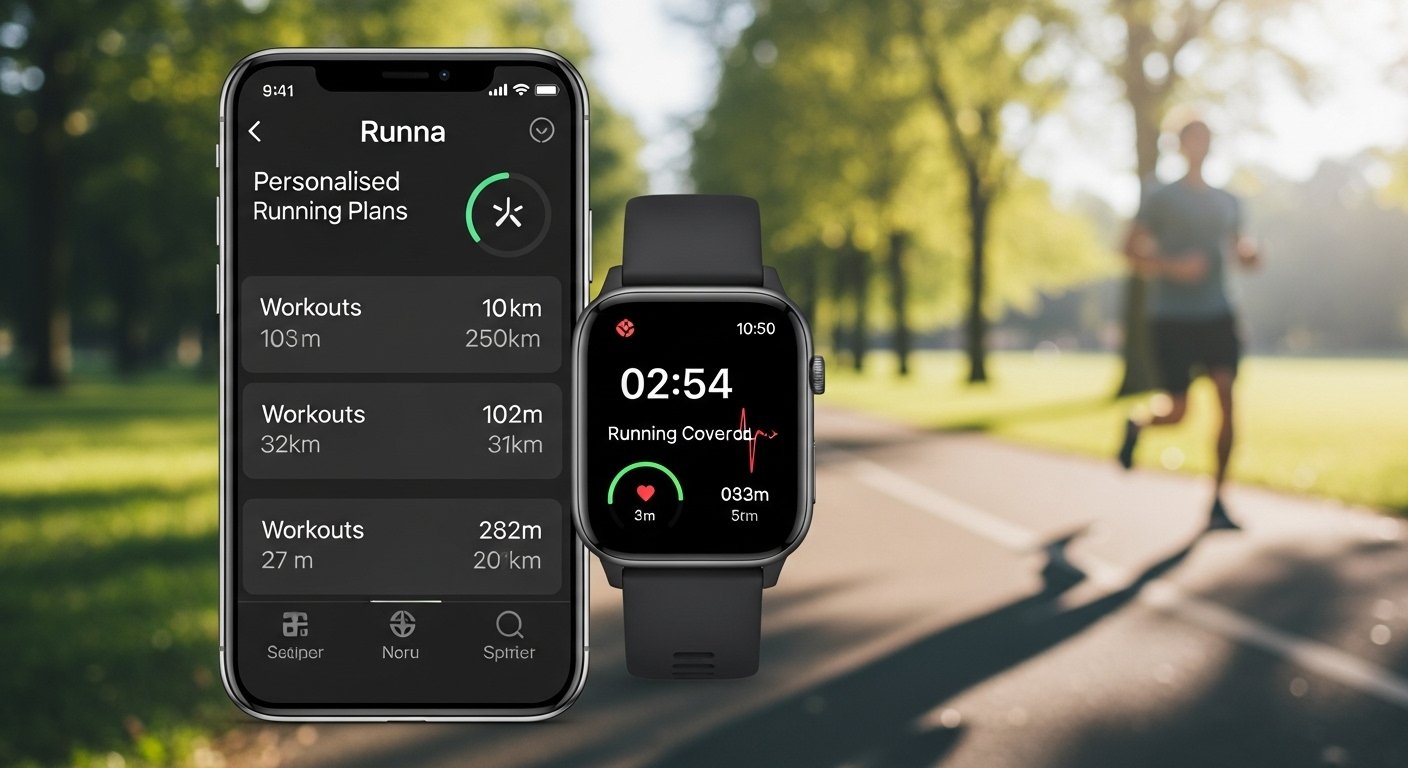
Runna is a very popular running app. It works like a coach right in your phone. It makes special training plans just for you. No matter if you are new to running or want to run a big race like a marathon, Runna helps you get better in a safe and smart way.
In 2026, Runna is still one of the best apps for runners. People give it very high marks — about 4.9 stars on the Apple App Store and 4.7 on Google Play from many thousands of users.
This review uses very simple English. We explain everything step by step. You will learn what Runna does, how much it costs, if it has a free version, how it works with Strava, free trials, ways to save money, good and bad points, and who it is best for. All information comes from the official Runna website and real user feedback in 2026. No wrong facts here.
What Is the Runna App?
Runna is an app for your phone (iPhone or Android). It acts as your personal running coach.
When you start, you answer easy questions:
- How much do you run now?
- What race do you want to do? (Like 5K, 10K, half marathon, full marathon, or even longer)
- What time do you hope to finish in?
- How many days can you run each week?
- Do you have any old injuries?
After that, Runna builds a plan made just for you. The plan has:
- Easy runs to help you recover
- Long runs to make you stronger over distance
- Fast runs (like intervals or tempo) to help you get quicker
- Simple strength exercises to stop injuries
- Easy moves to stay flexible
- Tips about food and rest
You see the workouts on your phone. You can also send them to your smartwatch like Apple Watch, Garmin, COROS, or others. The app tells you the exact speed to run for each part. This makes training much easier — no guessing!
Runna began as its own app. Then Strava (a big running and cycling app) bought it in 2025. Now they work very well together.
Is Runna App Free?
Runna has a small free part, but it is not fully free.
There is a free membership. It gives basic plans like “New to Running” or “Coming Back to Running.” These are good if you are just starting or want to run easy without a big goal.
For full custom plans — with your own race goal, exact paces, strength work, and all features — you need to pay.
Many people start with the free part to see if they like it. But for serious training and races, most users say the paid version is worth it because it gives better results and more help.
Runna App Pricing and Subscription Cost
Runna has clear and simple prices in 2026.
You can choose:
- Monthly plan: $19.99 every month
- Yearly plan: $119.99 every year (this is like $9.99 per month — you save 50% compared to monthly!)
You can stop anytime. No long lock-in.
The yearly plan is the best way to save money if you plan to use it for many months.
There is also a bundle with Strava. The Strava + Runna plan costs $149.99 per year (billed once). This gives you both apps together. It saves a lot — up to 60% if you think about paying for each one separate every month.
Strava is great for tracking runs and seeing friends’ activities. Runna is great for coaching plans. Together, they help many runners do their best.
Compared to a real-life coach (which can cost $50 to $200 or more each month), Runna is much cheaper but still very good.
Runna App Free Trial

Yes! Runna gives a free trial so you can try it first.
Most new users get a 7-day free trial (one full week). You get all premium features during this time. You pay nothing until the week ends.
Sometimes they give longer trials, like 2 weeks free, especially with special codes or events.
How to start the trial:
- Download the Runna app from your app store.
- Open it and answer the questions to make your plan.
- Add your payment info (but no charge yet).
- Use it fully for the trial days.
- If you do not like it, cancel in the settings before the trial ends.
Many users say the trial is enough to feel how good it is. You can do real workouts and see the pace guidance right away.
Runna App Strava Integration
This is one of the best parts of Runna now.
Because Strava owns Runna, they connect very easily.
When you link the two apps:
- Your Runna workouts go to Strava automatically. No need to add them yourself.
- You see all your runs, times, and friends’ likes (kudos) in Strava.
- Strava’s fun parts — like following friends, joining clubs, or racing on segments — add extra motivation.
- You can use Strava maps and routes in your Runna plan.
To connect them:
- Open Runna app.
- Go to your profile.
- Tap “Connected Apps.”
- Pick Strava and sign in.
- Say yes to sharing.
Many runners love this mix. Strava tracks your life as a runner. Runna plans your training. Together, they help people get personal best times — one report said 86% of users who use both hit a new best last year.
If you already use Strava, adding Runna feels very natural.
Runna App Discount Codes
Runna sometimes gives ways to save or get extra free time.
Here are common ways:
- Referral codes from friends: These often give 2 weeks free trial instead of 1 week. You can find them on Reddit, Facebook running groups, or from friends.
- Special codes: Like “STRAVA-TP” for 2 weeks free when starting from Strava training plans.
- Student discount: If you are a student, check sites like Student Beans for 20% off yearly plans (sometimes available).
- Bundle deal: The Strava + Runna yearly plan at $149.99 saves money if you want both.
- Event offers: After races or challenges on Strava, they give extra free weeks or discounts on gear.
To use a code:
- During signup or in the app settings, look for “Redeem Code” or “Referral.”
- Enter the code.
- Enjoy the extra trial or saving.
Codes change and some stop working after time. Always check the official Runna site or app when you sign up — they show current deals. The yearly plan already saves 50%, so that is often the easiest way to pay less.
Good Points and Bad Points of Runna
Runna has many good things, but it is not perfect for every person.
Good Points:
- Plans are made just for you — based on your goal, time, and life.
- Very easy to follow with clear steps and speed targets.
- Works great with smartwatches — see workouts on your wrist.
- Has strength and stretch exercises to keep you safe from hurt.
- Tracks your progress and gives tips after each run.
- Many users get faster and hit new best times.
- Much cheaper than a real coach.
- Strava connection makes it more fun.
Bad Points:
- Full features cost money — not free forever.
- Some fast workouts can feel hard, especially at first.
- No live person to talk to — it is all from the app.
- If you miss runs a lot, the plan might feel strict (but you can change days).
- Best for people with goals — if you run just for fun, you may not need it.
Most reviews are very positive. People say it takes away the hard part of planning and helps them run more regularly.
Who Should Use Runna?
Runna is perfect if:
- You have a race coming up (from 5K to ultra).
- You want a clear plan but do not want to pay a lot for a coach.
- You like knowing exactly how fast to run each day.
- You already use Strava.
- You want help with strength and staying injury-free.
It may not be for you if:
- You run easy with no goals.
- You want only free apps.
- You like talking to a real coach every week.
Final Thoughts on Runna in 2026
Runna is a top app because it brings expert running help to your phone at a low price. With costs at $19.99 per month or $119.99 per year, a 7-day free trial (sometimes longer), great Strava connection, and ways to save with codes or bundles, it helps many people run better and enjoy it more.
If you want to get faster, stay healthy, or finish a race strong, try the free trial. Make a plan, do a few runs, and see how it feels. Lots of runners say it changed their running in a good way.
Download Runna now and start your journey to better running. Keep running happy!
Disclaimer:
This article is for information only. It is not promotional and we do not earn any money if you use or buy the Runna app. We are not affiliated with Runna, Strava, or any other company mentioned here. The information comes from the app, official websites, and user reviews. Prices, free trials, and deals may change over time. Always check the official app before making any decisions. Use the app at your own risk.
Explore More
- BetAnySports Login App: Download for Android, Account Access, Lottery Login & Reviews + Phone Support
- OnStream App: Download, Safety, Firestick & Android Guide + Fix Not Working Issues
- MovieBox Pro App: Download APK & iPhone/Android Features + Latest Download Link
About the Author







