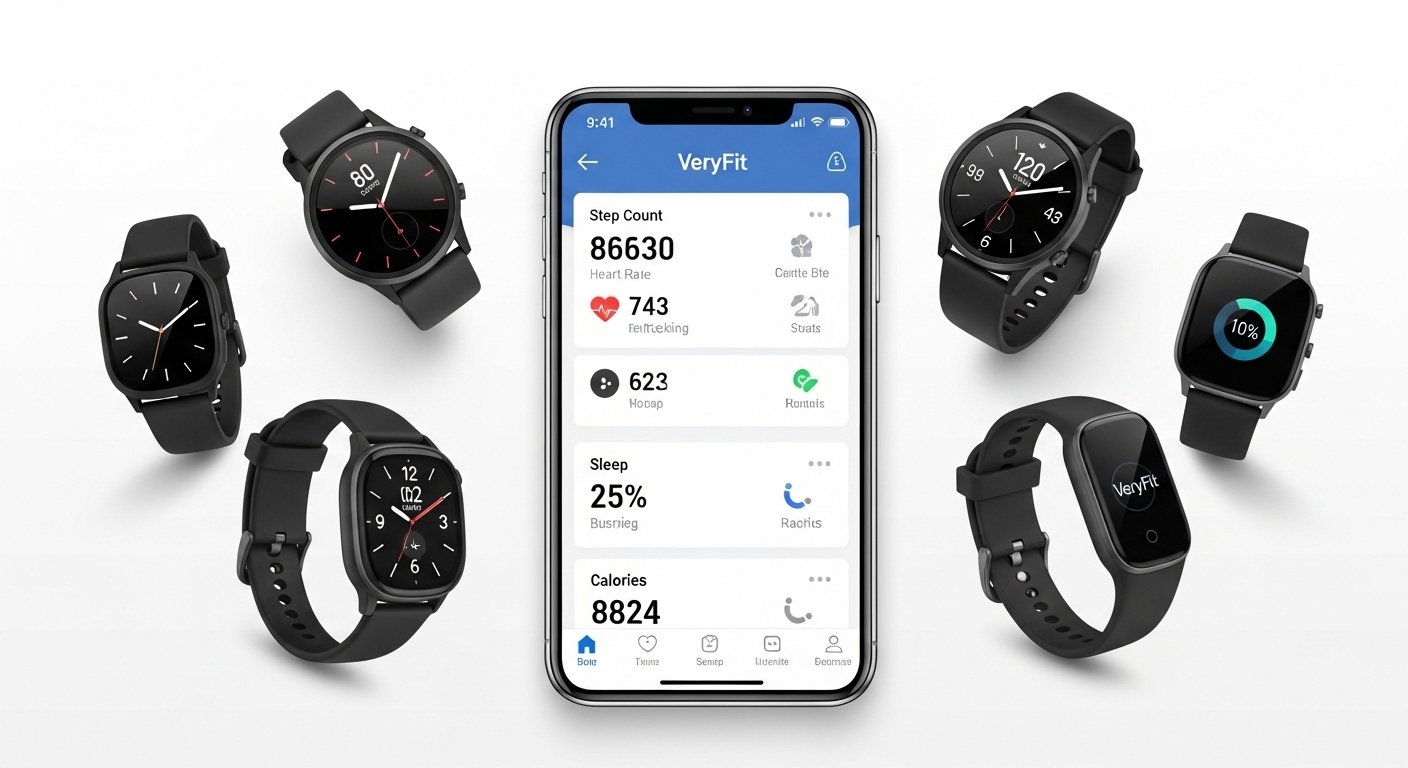
The VeryFit App is a popular free tool that works with many affordable smartwatches and fitness bands. It helps you track daily steps, heart rate, sleep, exercise, and more. Many people use it with cheap smartwatches bought online. The app is simple and easy for beginners.
This guide covers everything you need: how to download it, full review, if it is safe, guides for Android and iPhone, fixes for common problems like “VeryFit app not working,” what features like respiratory quality mean, Strava links, smartwatch support, and good alternatives. All info is based on real user experiences and official details up to 2026.
What Is the VeryFit App?
VeryFit is a health and fitness app made by Shenzhen DO Intelligent Technology Co., Ltd. It connects your smartwatch or fitness band to your phone via Bluetooth. The app shows data from your wearable device in a clear way.
Key things it tracks:
- Steps and distance walked
- Calories burned
- Heart rate (at rest and during activity)
- Sleep patterns (light, deep, REM)
- Blood oxygen (SpO2) in some watches
- Stress levels
- Women’s health (menstrual cycle tracking)
- Over 100 sports modes (running, cycling, yoga, etc.)
- Reminders for water, sitting too long, or alarms
- Watch face changes and music control (on supported watches)
It has a clean design with simple menus. You can see daily, weekly, or monthly charts. Some users love the water reminder and breathing exercises. The app is free to download and use, with small in-app purchases for extra watch faces (like $0.49–$0.99).
There are two similar apps: VeryFit (newer version) and VeryFitPro (older, still used by many). They work with similar watches. Always check your watch manual for the right one.
VeryFit App Review: Pros and Cons
Many users give VeryFit good ratings (around 4.5 on App Store with 27K+ reviews, and high on Google Play with millions of downloads). It works well for basic tracking on budget smartwatches.
Good Points:
- Very easy to use – simple interface, no complex setup.
- Tracks many health basics like heart rate graphs and sleep scores.
- Long battery life on watches because it does not drain much.
- Good for beginners who want step counting and reminders.
- Syncs data fast when connected.
- Free with no ads in main use.
- Supports Bluetooth calls, notifications (SMS, apps), and music on many watches.
Bad Points:
- Sync can stop sometimes (common complaint).
- Not as accurate as premium brands like Fitbit or Apple Watch.
- Some features (like notifications) may miss apps or not work perfectly.
- Older reviews mention crashes or login issues.
- No deep integration with big apps in all cases.
- Some users say it disconnects often.
Overall, if you have a cheap smartwatch (like Yoever, ID series, or similar), VeryFit is a solid choice. It gives good value for money. For serious athletes, you may want something more advanced.
Is VeryFit App Safe?
Yes, VeryFit app is safe for most people. It is on official Google Play and Apple App Store. The developer has a privacy policy that says they protect data with encryption and do not sell it. Health data stays on your phone or their secure servers (often Amazon).
They collect:
- Basic info (age, gender, height for calculations)
- Health data from watch (steps, heart rate)
- Location (sometimes for weather or GPS, but you can turn off)
No big scam reports. Some old complaints were about ads or third-party issues, but the app itself is legitimate. Google and Apple check apps for safety.
Tips for extra safety:
- Download only from official stores.
- Do not share passwords.
- Turn off permissions you do not need (like contacts if not used).
- Keep app updated for fixes.
It is not a medical device – just for general wellness. Talk to a doctor for real health concerns.
How to Download VeryFit App
VeryFit app download is free and quick.
For Android:
- Open Google Play Store.
- Search “VeryFit” (by Smart Wearable Devices).
- Tap Install.
- Or use direct link: play.google.com/store/apps/details?id=com.watch.life
For iPhone (download VeryFit app for iPhone):
- Open App Store.
- Search “VeryFit”.
- Tap Get (free).
- Or direct: apps.apple.com/us/app/veryfit/id1516248105
VeryFit app download free – no cost for basic use. Some watches come with QR code to scan.
After download, open app, allow Bluetooth and permissions, create account (email or phone), then pair your watch.
VeryFit App for Android Guide

VeryFit app for Android works on most phones (Android 6.0+).
Steps to set up:
- Download from Play Store.
- Open app and sign up.
- Turn on Bluetooth on phone.
- Put watch in pairing mode (check watch manual).
- App finds watch – tap to connect.
- Set goals (steps, sleep).
- Done! Data syncs automatically.
It supports many watches. Updates come often (latest in 2025 added running track and heart rate features).
Download and Use on iPhone
Download VeryFit app for iPhone from App Store (iOS 13+ needed).
Setup is same as Android:
- Bluetooth on.
- Pair watch.
- Grant Apple Health access if you want (for steps sync).
Some users say sync to Apple Health needs re-link sometimes, but it works.
VeryFit App Watch Compatibility
VeryFit app watch works with many budget brands (not Apple Watch or Galaxy). Examples: Yoever, ID series, Lintelek, Wearzone Orion/Action. It supports Bluetooth calls, notifications, and custom faces.
Check your watch box or manual for “VeryFit” or “VeryFitPro”.
What Is Respiratory Quality on VeryFit App?
What is respiratory quality on VeryFit app? It shows breathing health during sleep or rest. The watch uses sensors (like SpO2 or heart rate changes) to check how well you breathe at night.
It may show a score or level (good, fair, poor). Low quality can mean shallow breathing or issues like sleep apnea signs. Normal respiratory rate at sleep is 13–18 breaths per minute for adults.
It is not a doctor tool – just a hint. If low often, see a doctor. Some watches measure it all night for better reports.
VeryFit App Strava Integration
VeryFit app Strava – yes, you can link!
In app:
- Go to “User” or settings.
- Find “Third Party” or “Connect”.
- Choose Strava.
- Log in to Strava account.
- Allow access.
Activity data (runs, walks) may sync. Not all users say it is perfect – some need manual sync or it misses steps. But it works for basic sharing.
VeryFit App Not Working: Troubleshooting Fixes
VeryFit app not working or why is my VeryFit app not working? Common issues: no sync, crashes, disconnects, login problems.
Easy fixes (try in order):
- Restart phone and watch.
- Check Bluetooth is on and close other apps.
- Update app from store (latest fixes bugs).
- Clear cache: Android – Settings > Apps > VeryFit > Storage > Clear Cache.
- Force stop app and reopen.
- Forget device in Bluetooth settings, then re-pair in app.
- Check permissions (location, storage, Bluetooth).
- Uninstall and reinstall app (data may stay on watch).
- For sync issues: Unpair watch, restart, pair again.
- If “network not available”: Check internet, try WiFi/mobile data switch.
For Apple Health sync problems: Revoke app access in Health app, then re-enable in VeryFit.
Most users fix with restart or clear cache. If still bad, check watch battery or contact developer.
VeryFit App Alternatives
If VeryFit does not work well, try these VeryFit app alternatives:
- H Band – Good for many watches, better notifications.
- FitCloudPro or Wearfit Pro – Similar features.
- Google Fit or Apple Health – Free, syncs with many devices.
- Mi Fitness (for Xiaomi) or Huawei Health – If you have those brands.
- Zepp – For Amazfit watches.
For serious tracking: Strava (for runs), MyFitnessPal (food), or premium like Fitbit app.
Choose based on your watch. Many budget watches work with 2–3 apps.
Final Thoughts
VeryFit is a great free app for basic fitness tracking with affordable smartwatches. It is easy, safe, and does what most people need: steps, heart rate, sleep, reminders. Download it if your watch says to use it.
If you face issues like VeryFit app not working, simple fixes usually help. For better accuracy or features, look at alternatives.
Stay healthy and active! If you have a specific watch model, share for more tips.
Disclaimer:
This guide is for information only. It is not medical advice and does not replace a doctor’s advice. We are not promoting or selling the VeryFit app or any watch. This is not an affiliate or paid article. We share tips and guides based on user experiences and official info. Use the app at your own risk. Always check your device instructions and privacy settings.
Explore More
- Steady App: Download, Reviews, Login Guide, Safety & Reddit Insights
- StayConnect App: Download for Android & iPhone, Hotels, Netflix, MacBook, Hilton & More
- Runna App Review 2026: Cost, Pricing, Free Trial, Strava Integration & Discount Codes Explained
About the Author







