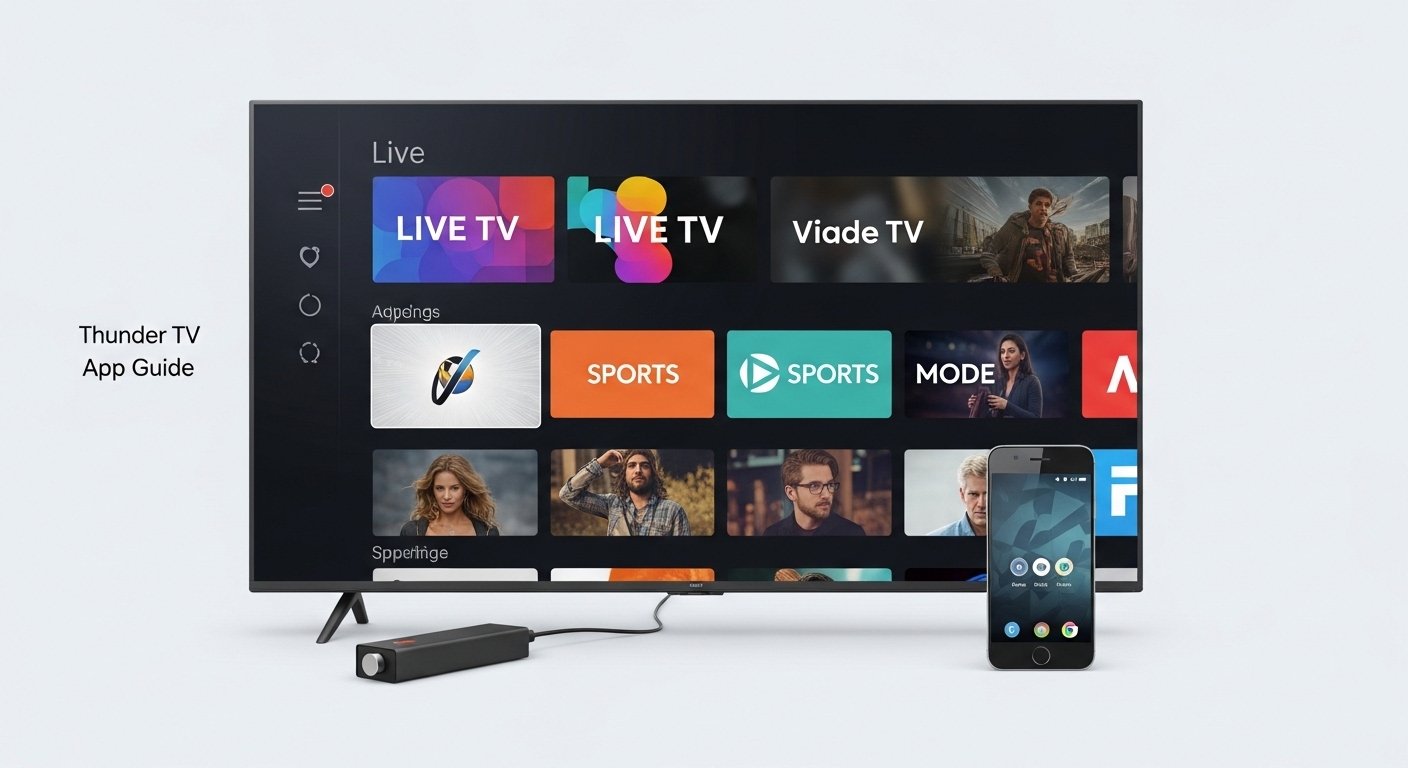
What is Thunder TV App?
Thunder TV is an IPTV (Internet Protocol Television) service. It lets you watch live TV channels, movies, series, sports, and more over the internet. You do not need cable or satellite. It works like a streaming app on devices such as Amazon Firestick, Android phones or tablets, and sometimes other gadgets.
Many people use Thunder TV for live sports, news, entertainment channels, and on-demand content like movies and TV shows. It often includes hundreds of channels (some say over 400 or more), plus thousands of movies and series. Some versions focus on Spanish channels, global content, or U.S. networks. It is popular among people who want cheap alternatives to regular TV services.
Important Note: Thunder TV is a third-party IPTV service. It is not available in official app stores like Google Play or Apple App Store for iOS. You install it by sideloading (downloading from outside sources). Always use a trusted dealer or source for subscriptions. IPTV services can have legal questions in some countries because they may stream content without full licenses. Check your local laws before using.
Thunder TV App Download for Firestick
The most common way to use Thunder TV is on Amazon Firestick or Fire TV devices. It is not in the Amazon Appstore, so you sideload it using an app called Downloader.
Here is a simple step-by-step guide (updated for recent versions as of 2026):
- On your Firestick, go to Settings > My Fire TV > Developer Options.
- Turn on Apps from Unknown Sources (and ADB Debugging if asked).
- Go back to the home screen. Search for and install the Downloader app from the Amazon Appstore.
- Open Downloader. In the URL box, type the download link for Thunder TV APK. (You get this from your trusted Thunder TV dealer or official site like thundertvdealer.com. Do not use random links to stay safe.)
- Download the APK file.
- Install it when asked. Allow any permissions.
- Open the Thunder TV app. Log in with your username, password, and server URL (given by your subscription provider).
- Start watching!
Many users say installation takes only a few minutes. You need a stable Wi-Fi connection. Some dealers offer video guides on YouTube for help.
Thunder TV App for Android
For Android phones, tablets, or Android TV boxes, the process is similar.
- Download the Thunder TV APK from a trusted source (your dealer’s site).
- On your device, go to Settings > Security (or Apps & notifications > Special app access) and allow Install unknown apps for your browser or file manager.
- Open the downloaded APK and install.
- Launch the app and enter your login details.
It works well on many Android devices. Some users report smooth playback if your internet is fast (at least 10-20 Mbps recommended for HD).
Thunder TV App iOS
Thunder TV does not have a native app for iPhone or iPad in the Apple App Store. iOS is strict about sideloading.
Some users try workarounds like using third-party app stores or web-based players, but these are not reliable or safe. Most people use Thunder TV on Firestick or Android instead. If you have an iOS device, consider casting from another device or using a different IPTV player that supports M3U links (if your provider gives one).
There is no easy, official Thunder TV app for iOS. Stick to supported devices for the best experience.
Thunder TV App Gratis (Free Download or Trial)
Thunder TV is not free forever. It is a paid subscription service. But many dealers offer a short free trial (like 24 hours or a few days) so you can test it.
Do not trust sites that promise “Thunder TV app gratis” with full access forever. These are often scams or fake. Always get your subscription from a real dealer. Prices are usually monthly, and some offer deals for longer plans.
Thunder TV App Reviews
Reviews for Thunder TV are mixed, based on user feedback from forums, Trustpilot, Reddit, and dealer sites in 2025-2026.
Positive points many users like:
- Lots of channels (live TV, sports, movies, series).
- Good for international content, like Spanish channels.
- Affordable compared to cable.
- Easy to use once set up.
- Works well on Firestick with little buffering if internet is good.
Some real user comments: People say it has “almost any channel you can think of,” including pay-per-view events, adult, kids, and news.
Negative points from reviews:
- Some say it can buffer or lag during peak times.
- Customer support depends on your dealer (not always fast).
- Trustpilot shows average scores around 3-4 stars in some listings.
- A few users call it “too good to be true” or worry about scams on fake sites.
Overall, if you get it from a trusted dealer, many people are happy and use it for years. Test with a trial first.
Thunder TV App Roku

Thunder TV does not have official support for Roku devices. There is a channel called “ThunderTV Channels” or similar in the Roku Channel Store, but it is a multimedia player without built-in content. It does not provide the same IPTV service as the Firestick version.
Roku does not allow easy sideloading like Firestick. So, you cannot install the Thunder TV APK on Roku. If you want similar content on Roku, look for other legal streaming options or use screen mirroring from a phone/Firestick (but this is not perfect).
For Roku users, Thunder TV is not a good fit. Choose Firestick or Android instead.
Thunder TV App Not Working – How to Fix
Sometimes the app stops working. Common issues: app won’t open, no playback, buffering, login errors, or “unable to play.”
Here are easy fixes that help most users:
- Check Internet – Make sure Wi-Fi is strong and fast. Restart your router.
- Restart Device – Turn off your Firestick or Android device for 1 minute, then turn on.
- Clear Cache – On Firestick: Settings > Applications > Manage Installed Applications > Thunder TV > Clear Cache (and Clear Data if needed, but you may need to log in again).
- Update App – Ask your dealer for the latest APK version and reinstall.
- Reinstall App – Uninstall Thunder TV, then download and install fresh using Downloader.
- Update Device – On Firestick: Settings > My Fire TV > About > Check for Updates.
- Login Issues – Double-check username, password, and server URL. Contact your dealer if expired.
- Buffering – Lower video quality in app settings or use Ethernet if possible.
- Server Problems – Sometimes the provider’s server is down. Wait or ask your dealer.
If nothing works, reach out to your subscription provider. They often help with specific fixes.
Pros and Cons of Thunder TV App
Pros:
- Huge content library.
- No contracts.
- Works on popular devices like Firestick.
- Good for cord-cutters.
Cons:
- Not in official stores.
- Possible buffering on slow internet.
- Legal risks in some areas.
- Support varies by dealer.
Final Thoughts
Thunder TV is a popular IPTV option for people who want lots of channels and on-demand content without high cable bills. It shines on Firestick and Android. Download carefully from trusted sources, try a trial, and enjoy if it fits your needs.
Always use a VPN for privacy when streaming IPTV (many recommend it). Stay safe online!
Disclaimer
This article is only for information. We do not own, sell, promote, or support Thunder TV App in any way. This is not a promotional or affiliate article, and we do not earn any money from it. We do not give APK files, subscriptions, or download links. If you download or use the app, it is your own choice and your own risk. Some IPTV services may not be legal in some countries, so please check your local laws first. We are not responsible for any problems, loss, or damage caused by third-party apps or services.
Explore More
- Friender App Review 2026: Make New Friends, Download for iOS & Fix Issues
- Hosted Time App: Easy Guide to Download, Login, and Fix Problems on Android and iPhone
- Perturbation App: Free Download for Android & PC, Movies, and Reddit Guide (USA Edition)
About the Author







