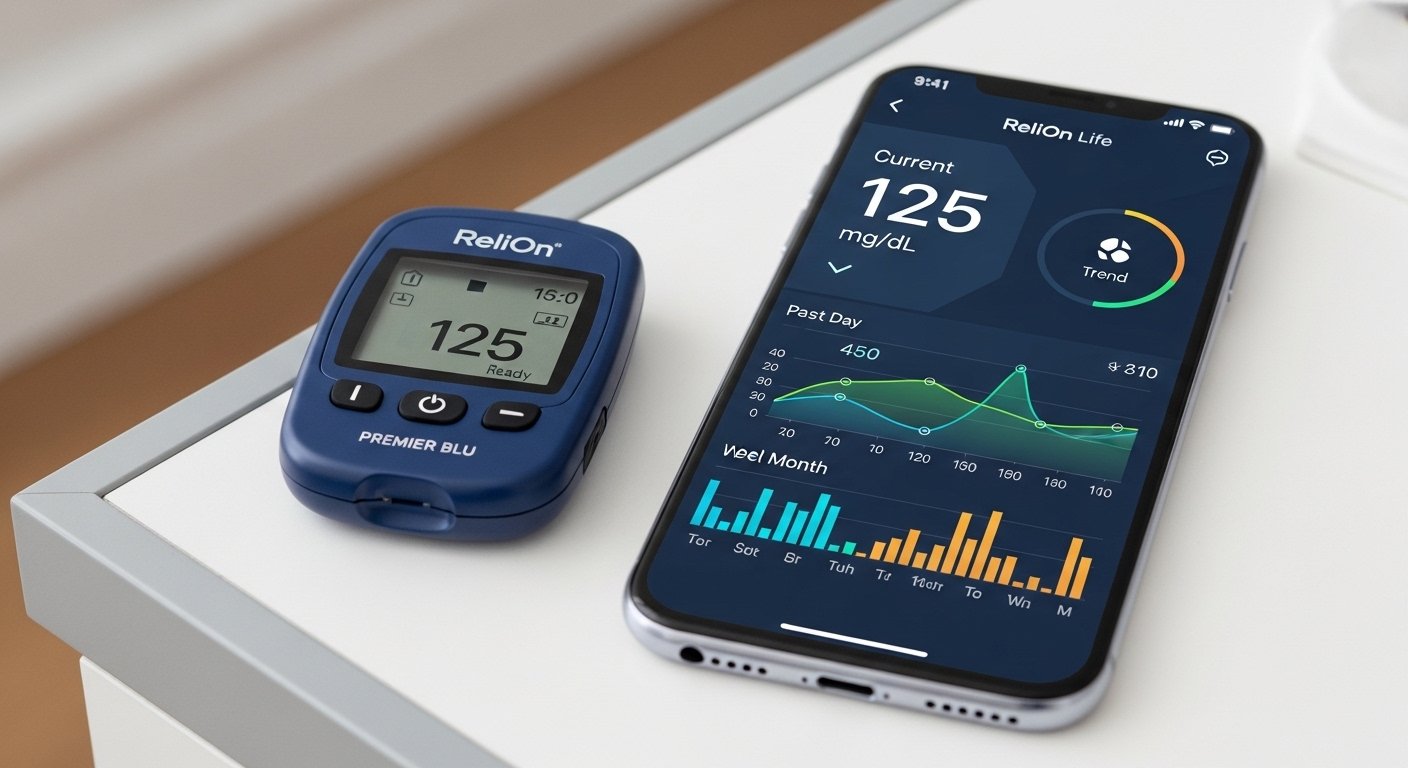
The Relion Premier Blu App: Download for Android & iPhone – Easy Guide is a helpful article for people who use the ReliOn Premier BLU blood glucose meter. This meter is a popular, affordable device sold mainly at Walmart. It has Bluetooth to send your blood sugar readings wirelessly to your phone. The main app for this is called ReliOn Life (sometimes people call it the ReliOn Premier Blu app because it works perfectly with the Premier BLU meter).
This guide will help you download the app on your Android phone or iPhone. It uses very simple steps so anyone can follow. We explain everything clearly, with no hard words. The information comes from the official ReliOn website (relionbgm.com), Walmart, and trusted diabetes app sources like Glooko (which is another option some users switch to).
Important Note: The ReliOn Premier BLU meter connects best with the ReliOn Life app for easy tracking. Some users also use Glooko for more features. Always check the official site for the latest info, as apps can update.
What is the ReliOn Premier BLU Meter and Why Use Its App?
The ReliOn Premier BLU is a blood glucose meter made for people with diabetes. It gives fast, accurate results in just 5 seconds. It uses a very small drop of blood (only 0.5 µL). The meter can store up to 1,000 test results with time and date. It shows if your sugar is high, low, or in a good range with clear colors.
The best part is Bluetooth. This lets the meter send readings to your phone without cables. The app helps you:
- See all your past readings in one place.
- Look at trends and graphs to understand your blood sugar better.
- Track food, exercise, mood, and medicine.
- Share reports with your doctor easily.
- No more paper logs that get lost.
This makes managing diabetes simpler and helps you stay healthy. The app is free and made for ReliOn meters like Premier BLU, Premier VOICE, Premier CLASSIC, and others.
Main App: ReliOn Life – The Official Choice for ReliOn Premier BLU
The ReliOn Life app is the main one made for the ReliOn Premier BLU. It is developed with Walmart (ReliOn is a Walmart brand). It works on both Android and iPhone.
Key features of ReliOn Life app:
- Bluetooth sync for automatic upload of readings.
- Track blood sugar, activity, diet, and mood.
- Simple graphs and color codes for trends.
- Safe and private data storage.
- Free to download and use.
Compatibility: It works with ReliOn Premier BLU and other models. You need a phone with Bluetooth on.
Some users note that ReliOn Life was the go-to app, but newer updates or changes mean some people move to Glooko. Glooko is a strong option with good support for Premier BLU.
Alternative App: Glooko for ReliOn Premier BLU
Glooko is a popular diabetes management app that fully supports the ReliOn Premier BLU via Bluetooth. It is free for basic use and has extra tools like sharing with doctors or clinics. Many users switch to Glooko if they want more advanced features or better integration with Apple Health.
Glooko works well on both Android and iPhone. It uploads readings automatically when paired.
How to Download ReliOn Life App for Android
Follow these easy steps to get the app on your Android phone:
- Open the Google Play Store on your phone.
- In the search bar, type ReliOn Life or ReliOn Life Diabetes.
- Look for the app by Walmart or ARK Care Advance (the developer name).
- Tap Install. It is free.
- Wait for it to download and install (it is small, about 11 MB).
- Open the app once done.
- Sign up or log in if asked. You may create a free account.
- Turn on Bluetooth in your phone settings.
- Follow the app’s guide to pair your ReliOn Premier BLU meter.
Your phone needs Android 7.1 or higher. Always download from Google Play Store to stay safe—no fake apps.
How to Download ReliOn Life App for iPhone
Here is the simple way for iPhone users:
- Open the App Store on your iPhone.
- Search for ReliOn Life or Walmart ReliOn Life.
- Find the app by Walmart.
- Tap Get (it is free).
- Use your Apple ID or Face ID to download.
- Open the app after install.
- Create an account or log in.
- Enable Bluetooth.
- Pair your meter as the app shows.
It works on recent iOS versions. The app is safe from the official App Store.
How to Pair the ReliOn Premier BLU Meter with the App (ReliOn Life or Glooko)

Pairing is easy and takes 2-3 minutes.
For ReliOn Life app:
- Make sure Bluetooth is on in your phone.
- Turn on your meter.
- In the app, go to settings or sync section.
- Choose to add device or pair meter.
- The app will search for your Premier BLU.
- If it asks for a PIN or code, follow the screen (some meters show a code).
- Once connected, test readings will sync automatically.
For Glooko app (alternative):
- Download Glooko from Play Store or App Store.
- Open Glooko and log in (free account).
- Go to Sync or Add Device.
- Choose Blood Glucose Meters > Premier Blu.
- Follow steps: Hold button on meter to enter pairing mode (press center button for 3 seconds on some models).
- It pairs fast. For Android, turn on background sync if needed.
Tip: Always keep your meter close to the phone during first pairing. If it does not connect, restart both and try again.
Benefits of Using the App with Your ReliOn Premier BLU
Using the app makes life easier for diabetes care. Here are some big benefits:
- See patterns: Like if sugar is high after meals or low in morning.
- Stay motivated: Track exercise and food to see how they help.
- Help your doctor: Send nice reports instead of handwritten notes.
- Save time: No manual entry of numbers.
- Peace of mind: Know your data is safe and backed up.
- Free and no ads in basic use.
Many users say the app changed how they manage diabetes. One review shared: “The app makes results available anytime on my phone—no more paper!”
Common Problems and Easy Fixes
Sometimes things do not work right. Here are common issues:
- App not finding meter: Check Bluetooth is on. Restart phone and meter. Make sure meter has battery.
- Sync fails: Update app to latest version. Check internet for first sync (some need it).
- Old readings not showing: First sync uploads all from meter memory.
- For iPhone with Glooko: Some need PC upload first for full view.
- App not available in your country: Use official stores. If issue, check relionbgm.com.
If stuck, visit relionbgm.com/app or support pages for Glooko.
Extra Tips for Best Use
- Test regularly as your doctor says.
- Use only ReliOn Premier test strips for accurate results.
- Keep phone and meter updated.
- Share app data with family or doctor for better support.
- If you switch apps (like to Glooko), old data may transfer.
Final Thoughts
The ReliOn Premier BLU meter with its app (ReliOn Life or Glooko) is a great tool for managing blood sugar. Downloading is free and simple on Android or iPhone. Follow the steps above, and you will have your readings on your phone in minutes. This helps you take control of diabetes every day.
Always talk to your doctor about your readings and care plan. Stay healthy!
Disclaimer:
This article is for information only. It is not promotional and we do not earn money from any links or apps mentioned. We are not doctors. Always follow your doctor’s advice for diabetes care. The steps and app information may change, so check the official ReliOn website or app stores. We are not responsible for any mistakes, problems, or results from using the apps or meter.
Explore More
- Easy Line Remote App for Android & iPhone: Free Download, Install Guide & Fix Not Working Issues
- Homie App: What Is Homie App, How to Add Friends, and Easy Download Guide
- ESS Mobile App: Download Free for Android & iPhone, Login, Fix Location Issues & Compass Group Access
About the Author







