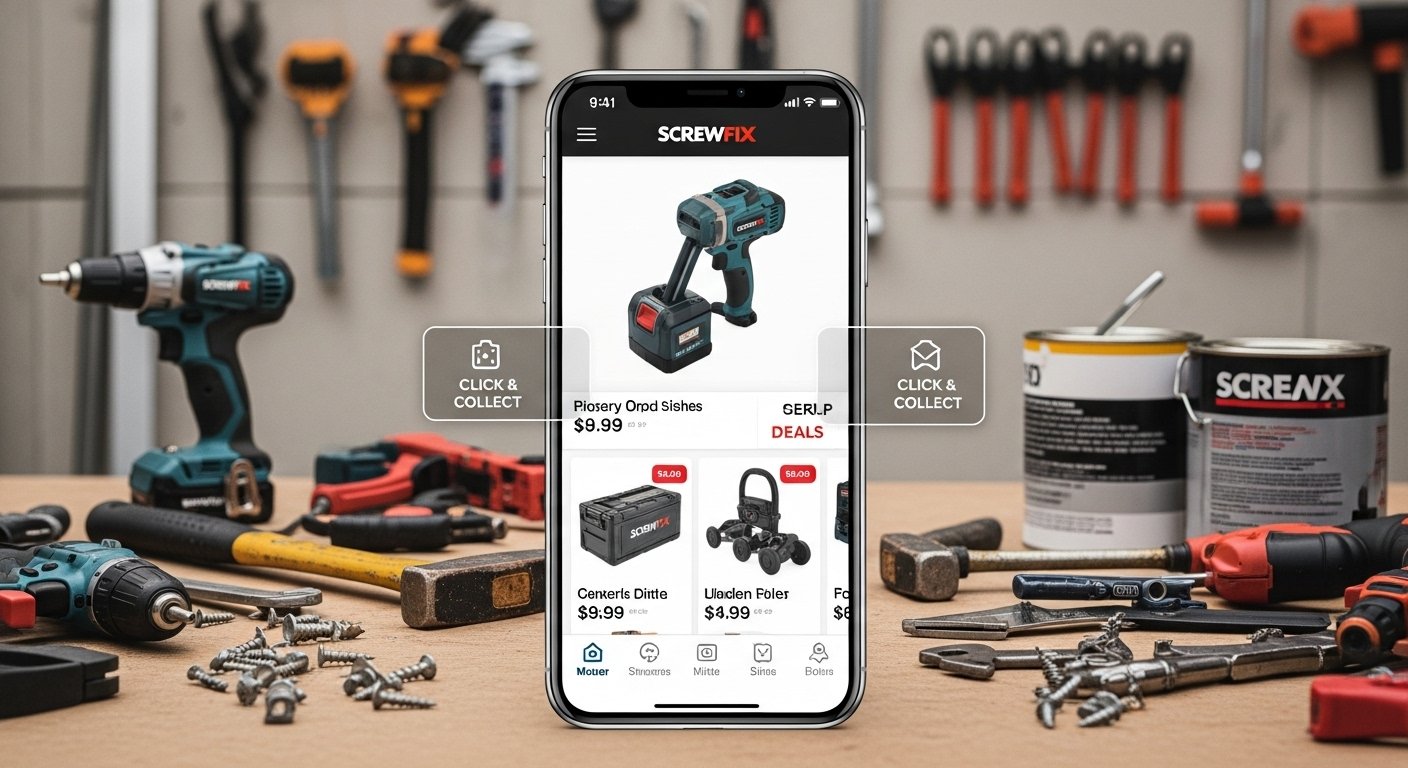
Do you fix things at home? Are you a tradesperson who needs tools fast? Or do you just like DIY projects? If yes, the Screwfix app can make your life much easier. Screwfix is a big UK store for tools, hardware, building supplies, electrical items, plumbing parts, and more. They have thousands of products at good prices.
Now, with the Screwfix app on your phone, you carry their whole shop in your pocket. No need to drive to the store every time or wait long for online orders. The app is free, fast, and made to help people like you get jobs done quicker.
In this article, we explain why the Screwfix app is so good, what it can do, how to start using it, and tips to get the most from it. Let’s begin!
Why Choose the Screwfix App?
Shopping for tools and supplies can take time. You look for products, check if they are in stock, drive to the store, wait in line… It adds up. The Screwfix app changes that.
Here are the main reasons people love it:
- Everything in one place: See all Screwfix products on your phone.
- Save time: Check stock, order, and collect fast.
- Stay updated: Find latest deals and offers right away.
- Easy to use: Simple design, even if you are not good with phones.
- Works everywhere: Use it at home, on a job site, or in the store.
Screwfix says their app is the “No.1 way to shop” with them. Many customers agree because it helps busy people—tradespeople, builders, plumbers, electricians, and home DIY fans.
The app got big updates in recent years. In 2025, they added Screwfix Rewards, a free loyalty program. This gives extra perks like discounts, prize draws, and giveaways. You can join it easily in the app.
Key Features of the Screwfix App
The app has many helpful tools. Here we explain the best ones in simple words.
1. Search and Browse Products Fast
You can look for anything Screwfix sells. Need a drill? Screws? Paint? Pipes? Just type the name or use voice search if your phone allows it.
The app shows clear pictures, prices, sizes, and details. You see customer reviews too. This helps you pick the right item.
There is a special section for latest deals. Screwfix has sales often—daily deals, weekly offers, or big discounts on brands like DeWalt, Bosch, or their own brand. The app shows these first so you never miss a good price.
2. Check Stock at Your Local Store
This is one of the best parts. You do not want to go to the store and find the item is out of stock.
In the app:
- It finds your nearest Screwfix store using your phone location (you can turn this on or off).
- Type what you need.
- See if it is in stock right now at that store or nearby ones.
- Real-time info means no wasted trips.
This saves hours for tradespeople who need parts fast during a job.
3. Click & Collect – Get It Quick
Screwfix is famous for fast collection. With the app, it is even better.
Order online through the app. Choose “Click & Collect.” Pick your store and time (many stores offer same-day or next-day).
When you arrive:
- Use in-store check-in. Open the app and tell them you are there.
- They start preparing your order right away.
- Go to the collection point—often very quick, sometimes contact-free.
Many people say this is faster than normal shopping. For busy days, it is perfect.
4. Build Your Basket and Pay in Different Ways
Add things to your basket as you browse.
Options:
- Order for home delivery.
- Click & Collect.
- Build basket and pay in store: Make a list in the app. It creates a QR code. Show the code at the till. Pay cash, card, or any way. No need to search shelves.
This is great if you want to see items first or pay cash.
5. Manage Orders and Account on the Go
Log in to your Screwfix account in the app (easy sign-up with email or quick options like Apple/Google).
You can:
- See past orders and track new ones.
- View invoices.
- Access your Screwfix Card (digital version) for trade discounts if you have one.
- For Electricfix or Plumbfix customers (special trade sections), see exclusive deals.
If you forget your trade card, the app shows it instantly.
6. Screwfix Rewards – Extra Benefits for Free
New in 2025, this is a loyalty program anyone can join.
Turn it on in the app settings. Then:
- Get surprise perks.
- Join prize draws and giveaways.
- Find spend-and-save offers.
- Earn rewards on purchases (across app, website, or store).
It is free—no cost to join. Many tradespeople say it adds real value over time.
7. Other Helpful Tools
- Store locator: Find the closest Screwfix branch with opening hours and directions.
- Deals and offers section: Always see current promotions.
- In-store quick collection: For app orders, check-in makes it express.
- Regular updates: Screwfix fixes bugs and adds improvements often (latest versions in 2025-2026 made it smoother).
The app works on both Android (Google Play) and iPhone (App Store). Search “Screwfix” to download.
How to Download and Start Using the Screwfix App

It is very easy. Follow these steps:
- Open Google Play Store (Android) or App Store (iPhone).
- Search for “Screwfix”.
- Look for the official app by Screwfix (it has their logo—orange and black).
- Tap “Install” or “Get”. It is free.
- Open the app.
- Sign up or log in (use email, or quick sign-in).
- Allow location if you want stock checks (optional).
- Turn on Screwfix Rewards for extra perks.
- Start browsing!
Tip: Update the app often for new features and fixes.
Who Loves the Screwfix App?
Many people use it every day.
- Tradespeople: Plumbers, electricians, builders. They check stock on-site, order fast, collect during lunch.
- DIY home users: Fixing a tap? Building shelves? The app helps find right tools cheap.
- People in a hurry: No time to shop? Use app for quick collection.
- Ireland users too: Screwfix launched the app there in 2025, with same great features.
From official info, the app helps millions get jobs done right and on time.
Some users say it saves them money by showing deals first. Others like no more wasted trips because of stock check.
Tips to Get the Most from the Screwfix App
Want better results? Try these simple ideas:
- Set your home store in the app for faster stock checks.
- Check deals every week—new ones come often.
- Use in-store check-in as soon as you park. Your order will be ready quicker.
- Join Screwfix Rewards right away—it is free and adds value.
- Save your basket if you are not ready to buy. Come back later.
- If you have a trade account, link it for better prices.
- Use the search bar with keywords like “cordless drill” or “bathroom tap” for quick finds.
- Read product details and reviews before buying.
These small steps make the app work even better for you.
Is the Screwfix App Right for You?
If you buy tools, supplies, or fix things often—yes!
It is not just another shopping app. It is made for real work—trade jobs or home projects. Screwfix knows what customers need because they listen to feedback. That is why they added things like quick check-in and rewards.
Compared to going to the store every time or using only the website, the app is faster and more handy. Your phone is always with you, so tools and supplies are always in your pocket.
Final Thoughts
The Screwfix app turns your phone into a powerful tool for getting jobs done. Shop the full range, check stock, find deals, order fast, collect easy, and get rewards—all free.
If you have not tried it yet, download today. Search “Screwfix” in your app store. It takes one minute to start, but it can save you hours and money every week.
Disclaimer:
This article is just for information. It is not an ad and we do not get any money if you use the Screwfix app. We try to give correct information, but we are not responsible for any problems or losses. Use the app at your own risk.
Explore More
- ParentPay App Download, Features, and Full Guide (2026)
- What Is the Hacoo App? Everything You Need to Know
- The Salon App: Say Goodbye to Appointment Hassles
About the Author








