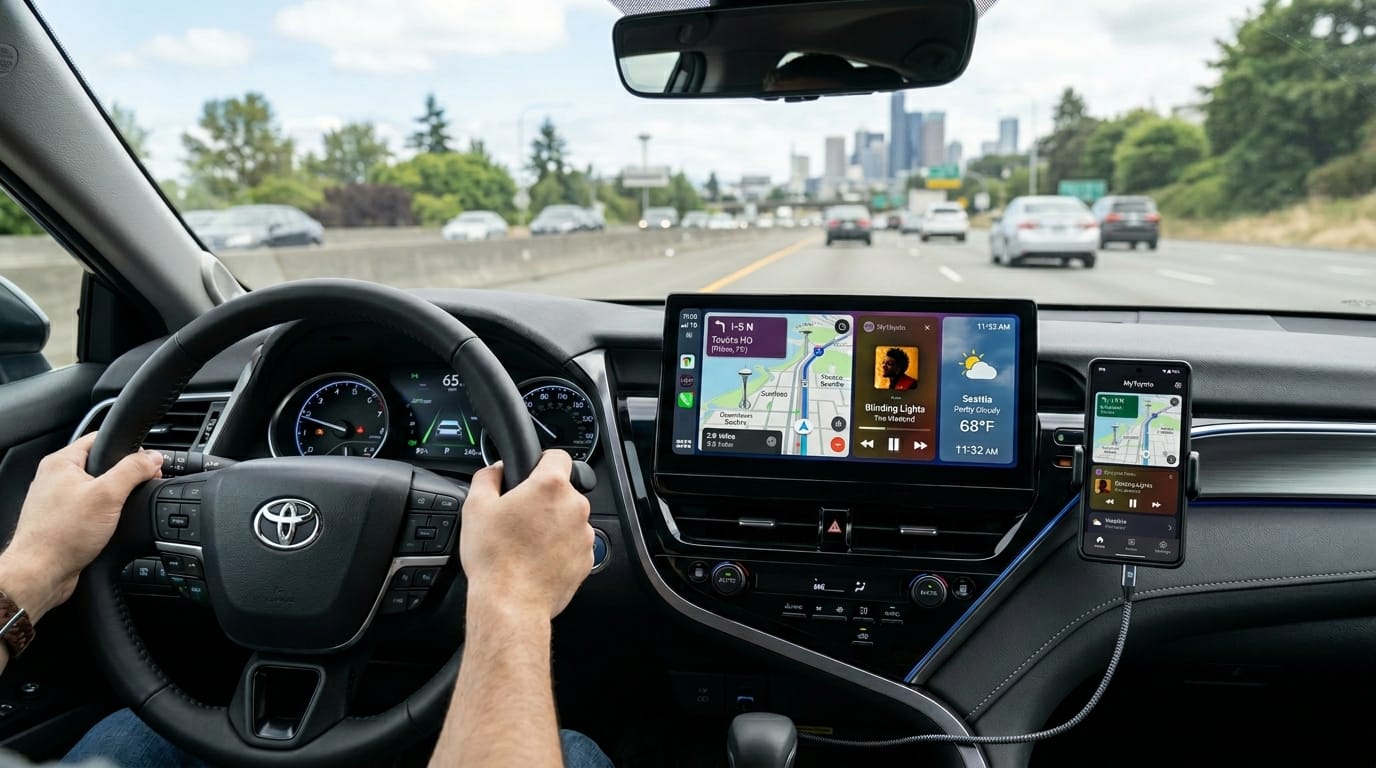
Hello, friend. If you own an older Toyota car, you might still think about the entune app when you sit behind the wheel. Even in 2026, many drivers with vehicles from the 2010s and early 2020s want clear answers about this helpful system. This guide will walk you with you step by step. We will talk about what still works, how to set it up safely, and ways to move forward with newer tools from Toyota. You will feel more confident and ready to enjoy your drive.
Introduction
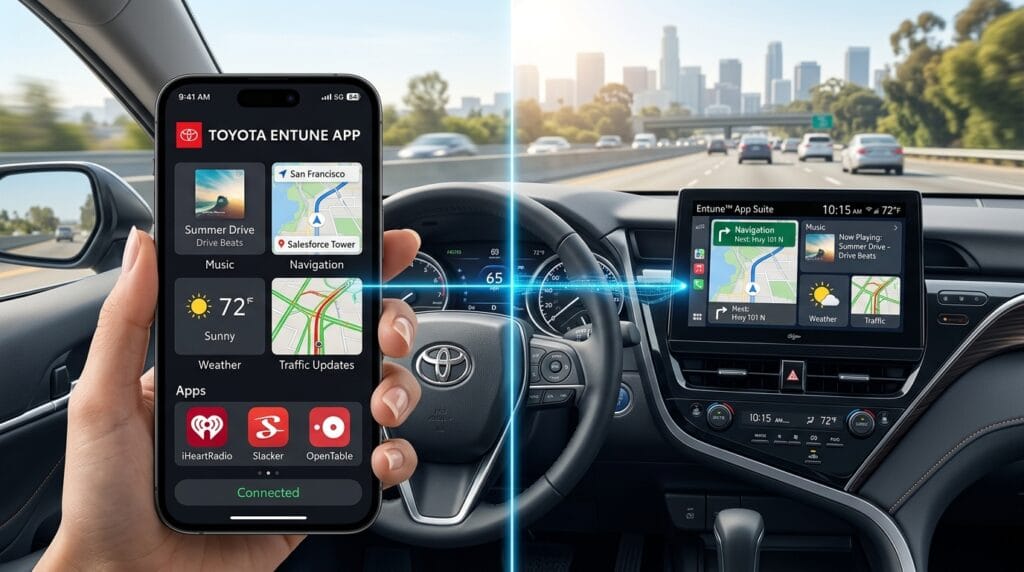
The entune app started as Toyota’s own way to bring your phone’s helpful tools right into your car’s big screen. It let you play music, find directions, and check the weather without taking your eyes off the road too much. Over time, Toyota grew this into the entune app suite. But by 2026, the company has moved many parts to a fresh Toyota App and better built-in systems.
This change happened because phones and cars can now work together in smoother ways. Still, if your Toyota is from the 2010 to early 2020s, the old entune app suite can still give you good service on compatible models. That is why this guide matters. It helps you make the most of what you have today while showing easy steps to try the new Toyota App. You will learn simple ways to stay safe, connected, and happy on every trip.
What Is the Entune App and Entune App Suite?
The entune app is like a friendly bridge between your phone and your Toyota’s touchscreen. It copies safe parts of your phone apps onto the car screen so you can listen to songs, get directions, see traffic news, check weather, and use other helpful services. You keep your hands on the wheel and your eyes looking ahead.
The full name, toyota entune app suite, means a collection of these tools built just for Toyota cars. It works best when your phone connects through Bluetooth or a cable. This setup makes driving feel easier because everything you need shows up right in front of you in a big, clear way. Many people love it for long road trips or daily drives around town.
History and Evolution of Toyota Entune App Suite
Toyota first brought out early versions of Entune years ago to help drivers stay connected without danger. Each new update added better screens, clearer voices, and more fun apps. By the time Entune 3.0 arrived, drivers could enjoy nicer music streaming and quicker maps.
In 2023, Toyota decided to stop some older App Suite services so they could focus on even better ideas. Many favorite tools moved into the new Toyota App. This shift helped the company create fresh systems for 2026 cars that feel faster and more helpful. The change shows how cars keep getting smarter every year, just like phones do. Because of this careful growth, older Toyotas can still use parts of the entune app while newer ones enjoy updated screens and stronger connections.
Which Toyota Vehicles Still Support Entune App in 2026?
Many Toyota cars from model years 2010 through the early 2020s still work with legacy entune app suite features. Think of popular models like certain Camry, Corolla, RAV4, Tacoma, and Tundra versions from those years. Exact support depends on the trim and the head unit inside your car.
Newer 2022 and later models lean more on the Toyota App, Drive Connect services, and built-in Apple CarPlay or Android Auto. In 2026, fresh vehicles such as the updated RAV4 come with advanced multimedia systems that use fast 5G connections for smoother streaming and quicker responses. If your car is older, check your owner’s manual or the Toyota website with your model and year. This quick check tells you exactly what your vehicle can do today.
Toyota Entune App Download and Installation Guide
Getting the entune app or the current Toyota App is easy and free. Start by opening the Apple App Store on your iPhone or Google Play on your Android phone. Search for “Toyota” or “Toyota App” and pick the official one made by Toyota Motor North America.
After you download it, open the app and follow the simple steps to create an account. You will need your email and some basic car details. Next, turn on your Toyota, connect your phone with Bluetooth or a USB cable, and let the car and phone talk to each other. The app will guide you through pairing. It only takes a few minutes.
For toyota entune app download on older phones, make sure your device runs a recent software version. Always use the official stores so you get the safe, latest copy. Once it is set up, you are ready to enjoy music and maps right from your car screen.
Entune App Suite Download and Setup on Your Toyota
Inside your compatible Toyota, the entune app suite download happens through the car’s own menu. First, make sure your phone is paired. Then tap the Apps or Entune button on the touchscreen. The system may ask you to download extra pieces over your phone’s data or Wi-Fi.
You will also need to link your Toyota account. Have your phone ready because it helps finish the setup. Use Bluetooth for most connections, but some features work better with a USB cable. After the first setup, the car remembers your choices so future drives start quickly. Take your time the first day so everything feels just right.
How to Use Entune App Suite on Android and iPhone
Using the entune app suite feels a little different on Android phones compared to iPhones, but both are friendly. On an Android device, connect with Bluetooth or cable, then open the Toyota app. Your car screen will show music choices, maps, and traffic updates. Voice commands work well – just press the talk button on the steering wheel and speak clearly.
For entune app suite iphone users, the process is smooth too. Apple phones often connect faster with CarPlay, but the entune tools still shine for Toyota-specific features. Launch the app from the dashboard, pick your playlist or destination, and go. Both platforms let you switch between phone and car easily. Over time, you will learn which works best for your daily drives.
Key Features of Entune App Suite in 2026
Even after some changes, the entune app suite still offers music streaming from your favorite services. You can find quick routes with live traffic updates that help you avoid slow spots. Weather reports appear right on the screen, and you can search for nearby places like gas stations or restaurants.
Remote services through the Toyota App let you check your car from far away. In 2026, many users enjoy smoother connections and clearer voices thanks to updates. These features make every trip feel safer and more fun because help is always close.
Toyota Entune App Catalog and Available Apps
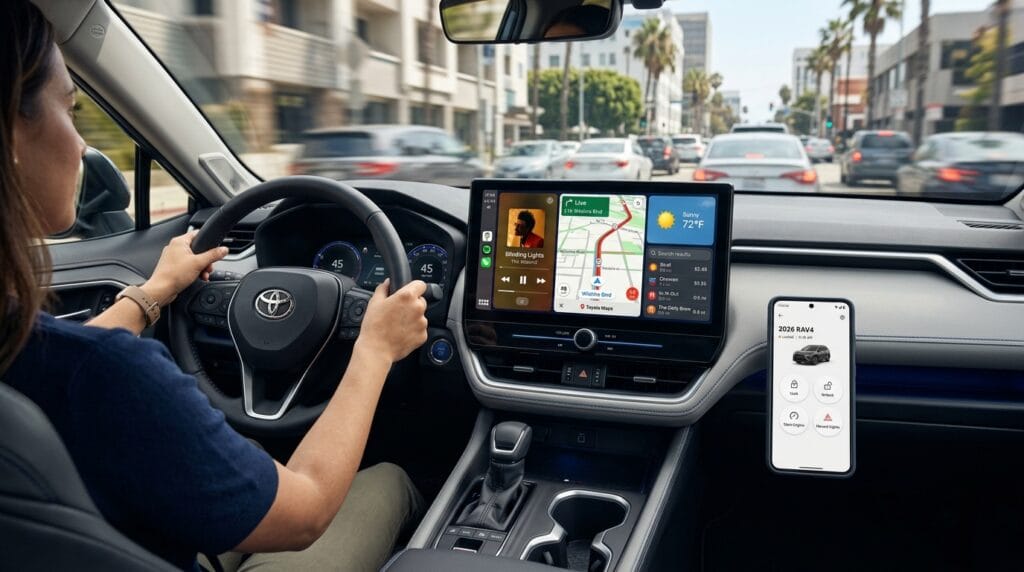
The toyota entune app catalog used to hold many fun third-party choices like music stations and reservation tools. After the 2023 updates, some older apps stopped working, but core ones for music, maps, and news remain available through the new system.
You can discover fresh content by opening the Toyota App on your phone and exploring the menu. It shows what works with your car today. Many drivers add their own streaming accounts and enjoy them safely on the big screen. This keeps your drives interesting without extra work.
Entune App Suite Connect and Remote Features
Toyota entune app suite connect brings handy remote tools. With the Toyota App, you can lock or unlock doors from your couch, start the engine on a cold morning, or find your parked car in a big lot. Maintenance alerts tell you when it is time for an oil change or check-up.
These features feel like having a helpful friend watching your vehicle. In 2026, they work even better with real-time updates so you always know your car’s health. Families love this peace of mind when kids or others borrow the car too.
Entune App Suite Android Auto Integration
Many Toyota owners use entune app suite android auto together for the best of both worlds. Set up Android Auto by plugging in your phone. The car screen can switch between Toyota’s own tools and your phone’s familiar apps. This gives you more choices on long trips.
The legacy system has some limits compared to full native Android Auto, but careful pairing helps everything run smoothly. Try both and see what feels nicest for your driving style in 2026.
Comparison: Entune App vs Apple CarPlay and Android Auto
The entune app suite feels built just for Toyota, so it offers nice touches like direct vehicle info and remote services. Apple CarPlay and Android Auto bring your whole phone world to the screen with colorful maps and easy voices.
Entune shines for simple, safe Toyota connections. CarPlay and Android Auto win for people who already love their phone apps. In many 2026 Toyotas, you can use both and pick what works best each day. This choice makes driving flexible and fun.
Common Problems and Fixes for Entune App in 2026
Sometimes the connection drops or the app will not open. First, check that Bluetooth is on and your phone has good signal. Restart both the phone and car system by turning the vehicle off for a minute. Update the Toyota App from the store.
If login fails, double-check your password and internet. For missing features, make sure your car model still supports them. Most troubles fix with a quick restart or update. Reach out to Toyota support if something keeps happening – they know the best next step.
How to Update Entune App and Multimedia System
Keeping everything fresh is simple. On your phone, open the app store and update the Toyota App. For the car itself, some 2026 models receive changes over the air when parked and connected to Wi-Fi. Others need a USB drive with files from Toyota’s website.
Check your car menu under Settings for software update. Follow the clear steps shown on screen. New updates often bring faster responses and extra safety tools. Do this every few months so your drives stay smooth and modern.
Privacy, Data Usage, and Security Tips
Your car collects some driving data to make services better, but you can control it. Use strong passwords for your Toyota account and turn off features you do not need. Watch your phone’s data use because maps and streaming can use extra.
Turn on two-step login for extra safety. Review privacy settings inside the Toyota App once a month. These small habits help you enjoy connected driving while keeping your information protected. Many families feel calmer when they follow these easy rules.
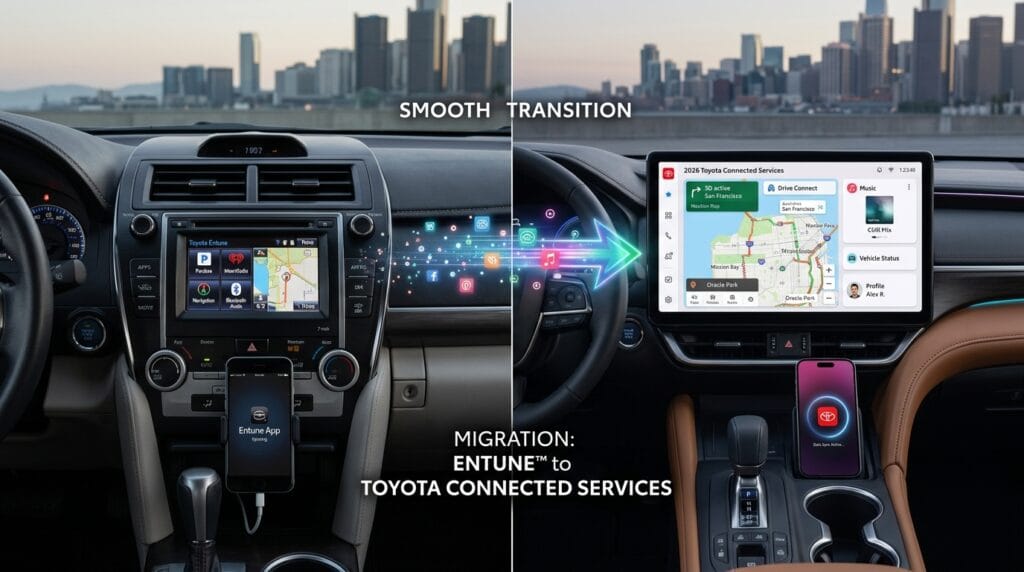
Migrating from Old Entune to Toyota’s 2026 Connected Services
Moving to the newer Toyota App feels gentle. Download the fresh app, sign in with the same account, and pair your car again. Most of your saved places and preferences move over nicely. Newer cars add Drive Connect for even clearer voices and faster maps.
Take one step at a time. Try the new tools for a week and keep the old ones as backup. Soon you will love the brighter screens and stronger signals in 2026 models. This change keeps your Toyota feeling young and helpful for many more miles.
Frequently Asked Questions
What is entune app suite Toyota?
It is Toyota’s older connected system that brings phone apps to your car screen safely. Many features now live inside the newer Toyota App.
How do I do a toyota entune app download today?
Go to the official app store on your phone, search for Toyota, and install the current version. It works on most Android and iPhone devices.
Will my older Toyota still work with entune in 2026?
Yes, many 2010 to early 2020s models keep basic support. Newer cars use updated systems with more power.
Are there any costs?
Basic features are free, but some remote services need a subscription after a trial period. Check the app for current plans.
Can I use it with Apple CarPlay or Android Auto?
Absolutely. Many drivers switch between them for the best experience on each trip.
What if my entune app suite android stops working?
Update the app, restart your phone and car, and check your Bluetooth connection. Most issues clear up quickly.
How much data does it use?
Streaming music and maps use the most. Connect to Wi-Fi when possible to save your phone plan.
Where can I get more help?
Visit Toyota’s official owner website or talk with your local dealer. They offer friendly support for every model.
Conclusion and Next Steps
You now have a full, friendly picture of the entune app and how it fits into driving in 2026. Whether you keep using the classic tools on your older Toyota or try the bright new Toyota App, you have many ways to stay safe and connected. Start with a simple download and pairing session this week. Play your favorite music or test the maps on a short drive. You will quickly see how these features make every trip easier and more enjoyable.
Remember, your car is there to help you live a happy life on the road. Take small steps, stay curious, and reach out for support when needed. Toyota keeps improving, so your driving adventures can stay wonderful for years to come. Have fun exploring and safe travels, my friend!
Disclaimer:
This article shares general information based on publicly available details about Toyota systems in 2026. Features can change by model, year, and region. Always check your owner’s manual and official Toyota resources for the most accurate advice for your specific vehicle. This guide is for helpful purposes only and is not official Toyota documentation.
Explore More
- Coinin App Review 2026 – Earn Free Crypto Daily
- Black Nile App: Shop 3000+ Black-Owned Businesses in One Place
- Allegiant App: Download, Login & Complete Guide 2026
About the Author








