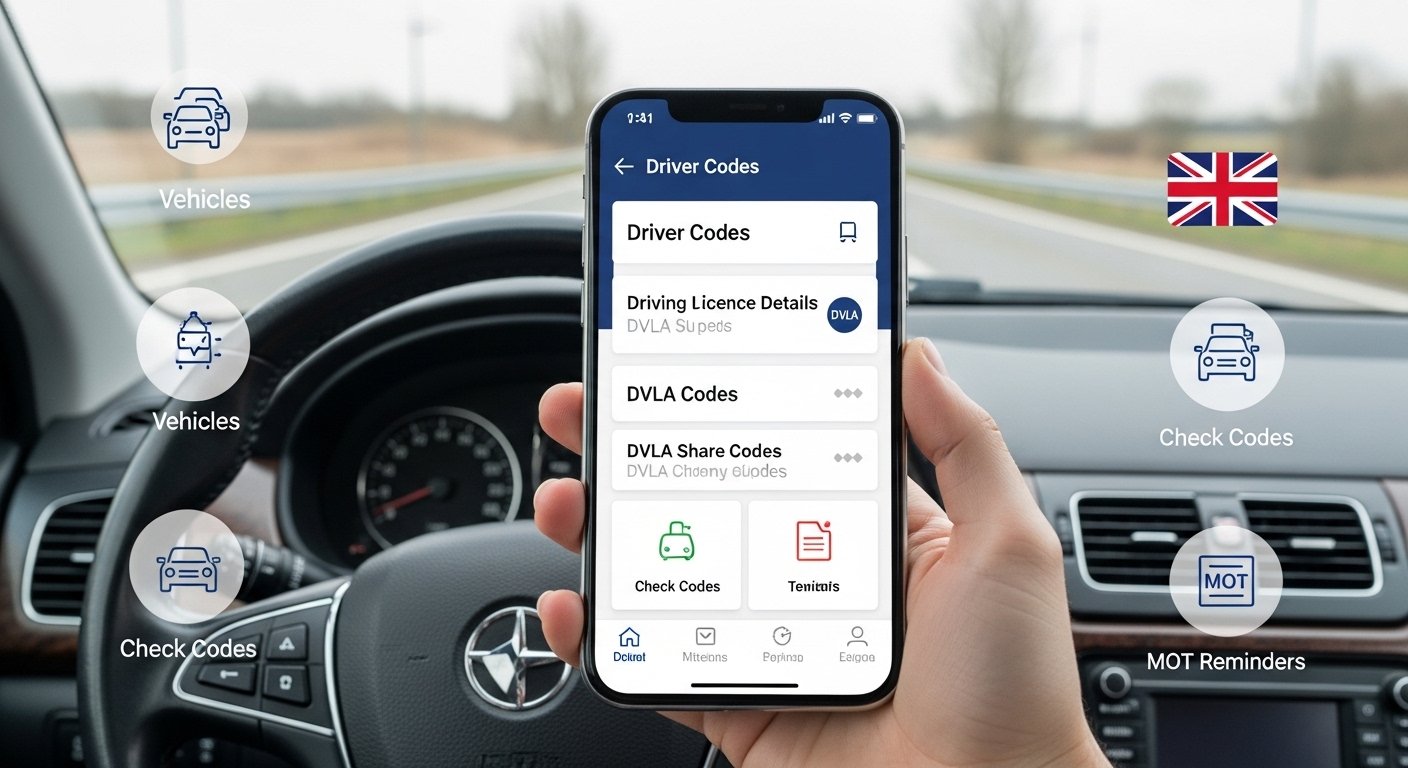
The Driver Codes App – Easy Access to Vehicle & Driving Information is a very helpful mobile app made for drivers in the UK. It gives you quick and safe access to your driving licence details from the DVLA (Driver and Vehicle Licensing Agency). The app is free to download on iOS (iPhone/iPad) and Android phones. Many thousands of drivers use it every day because it makes life simpler.
This app is not made or run by the DVLA or DVSA (Driver and Vehicle Standards Agency). It is a third-party tool that connects safely to official DVLA services. It helps you see your information without going to the DVLA website on a computer. The app has high ratings: about 4.8 on the App Store and 4.7 on Google Play from real users.
Why Drivers Love This App
Driving can be busy. You may need to check your licence details fast. Or share them with someone like a car rental company or your boss. In the past, people had to log in to the DVLA website, which takes time and is not easy on a phone. Driver Codes App changes that. It puts everything in your pocket.
The app started around 2019. It now has tens of thousands of users. Many are normal car drivers. Others are professional drivers like HGV (Heavy Goods Vehicle) or PCV (Passenger Carrying Vehicle) drivers who need to check more things often.
Main Features of the Driver Codes App
Here are the key things you can do with the app in very simple steps.
1. View Your Driving Licence Information
When you open the app and log in safely, you see your full driving record right away. This includes:
- All the vehicle categories you can drive (like car, motorcycle, lorry, bus).
- Expiry dates for each part of your licence.
- Any penalty points or endorsements on your record.
- Disqualifications if there are any.
You do not need to remember your licence number every time. The app keeps it secure for you. This is very useful if you forget what vehicles you are allowed to drive or want to check if your licence is still valid.
2. Create and Share DVLA Check Codes (Share Codes)
This is one of the best parts of the app. Many times, you need to prove your driving history to others. For example:
- When renting a car.
- Getting an insurance quote.
- Applying for a job that needs driving.
- Your employer doing a check.
Instead of giving your full licence details, the DVLA lets you create a special “check code” or “share code”. This code is safe and lasts for 21 days. The other person puts the code on the official GOV.UK website to see your record.
With Driver Codes App, you make this code in one click. No need to go to the website, log in, and fill forms. Just tap and share the code by text, email, or show it on your phone. This saves a lot of time and stress.
3. Vehicle Search and Garage Feature
You can add your own cars or any vehicle to the app. Then you get important information fast:
- MOT status and expiry date.
- Road tax (vehicle excise duty) status.
- Insurance details if available.
- Other DVSA and DVLA info about the vehicle or trailer.
This helps you stay safe. You get reminders when your MOT or tax is about to end. No more surprises or fines for expired tax or failed MOT. You can also search any UK vehicle by number plate to check its history quickly.
4. Special Help for Professional Drivers (HGV, LGV, PCV)
If you drive big vehicles for work, the app has extra tools:
- Quick view of your tachograph card details.
- Check your Driver CPC (Certificate of Professional Competence) status and expiry.
- Monitor deadlines so you do not lose your job because of expired qualifications.
Professional drivers say this feature saves them hours every week. They do not need to carry many papers or log in to different sites.
5. Other Handy Extras
The app also has:
- Fuel finder to show nearest and cheapest petrol stations with current prices.
- Easy login and secure storage of your details.
- Reminders for important dates like licence renewal or CPC training.
Everything is designed to be simple. The screens are clean and easy to use, even if you are not good with phones.
How to Get Started with Driver Codes App

It is very easy to start using the app. Follow these steps:
- Go to the App Store (for iPhone) or Google Play Store (for Android).
- Search for “Driver Codes” or “Driver Codes – driving licence”.
- Download and install it for free.
- Open the app and sign up or log in. You use your DVLA details safely (like on the official site).
- Give permission for the app to connect to DVLA data.
- Add your vehicles if you want.
- Start using it right away!
The app uses secure connections. Your personal data stays protected. The makers say they follow UK data protection rules.
Benefits of Using Driver Codes App
Using this app brings many good things for drivers:
- Save Time: Do things in seconds instead of minutes or hours.
- Stay Safe and Legal: Always know your licence and vehicle status. Avoid fines or problems.
- Less Stress: No more carrying your paper licence everywhere. The app acts like a digital copy.
- Helpful for Everyone: From new drivers to professional lorry drivers.
- Free Basic Use: Most features are free. Some extra tools for companies or pros may have small costs.
- High User Trust: Thousands of good reviews say it works well and is reliable.
Many users say things like: “This app replaced my wallet” or “It saved me so much time with work checks.”
Who Should Use This App?
- Everyday car drivers who rent cars sometimes or get insurance quotes.
- People who want to check penalty points or vehicle tax fast.
- HGV, bus, or coach drivers who need CPC and tacho info often.
- Fleet managers or companies that check many drivers (they have a special company version).
- Anyone tired of using the GOV.UK website on a small phone screen.
If you drive in the UK and have a licence from England, Wales, or Scotland, this app can help you.
Is the App Safe and Reliable?
Yes, very much. It connects directly to official DVLA services using secure methods. The app is not from the government, but it follows the rules for sharing data. Users must agree to share their info. Many drivers use it for years without problems.
Always download from official stores (App Store or Google Play) to avoid fake apps.
Final Thoughts
The Driver Codes App makes getting vehicle and driving information very easy. It puts your licence, check codes, vehicle details, and more in one place on your phone. No more hard website logins or lost papers.
If you want a simple way to manage your driving life, try this app today. Download it, set it up in a few minutes, and see how much easier things become. Many drivers say it is one of the best tools they have on their phone.
Stay safe on the roads, keep your documents up to date, and enjoy driving with less worry. Driver Codes App helps you do that every day.
Disclaimer:
This article is for information only. It is not a promotion, advertisement, or affiliate post. We are not connected to the Driver Codes App, DVLA, or DVSA. We do not take responsibility for any problems caused by using the app. Always check official sources for the most accurate and up-to-date information. Use the app at your own risk.
Explore More
- Self Esteem App – Boost Confidence & Feel Better Every Day
- People’s Postcode Lottery App – Play, Win & Check Your Prizes Easily
- 123 Movies App – Watch Free Movies & TV Shows Easily
About the Author








