
Living in a busy apartment building or gated community can feel tricky when you need to open doors or welcome guests. In 2026, the butterflymx app makes everything much easier and safer. This free tool turns your phone into a handy remote key. You can open doors, gates, elevators, and garages from anywhere. Plus, you get to see visitors on video before you let them in. Many people love how it removes the need for old keys or key fobs. It brings peace of mind and saves time every single day.
What Is the ButterflyMX App?
The butterflymx app is a simple mobile tool made for people who live in buildings that use the ButterflyMX video intercom system. It changes your smartphone into a smart way to control access. You can unlock entry points and talk to visitors through live video calls. This helps you know exactly who is at the door.
Tenants and residents use it the most because it works from anywhere in the world. You no longer need to carry physical keys. Instead, you grant access with a quick tap on your phone. Many modern homes and communities picked this app because it feels safe and modern. It lets you screen visitors and keep your home secure without any extra hassle. Over time, it has become a favorite for busy families and anyone who values convenience.
Downloading the ButterflyMX App from the App Store or Google Play
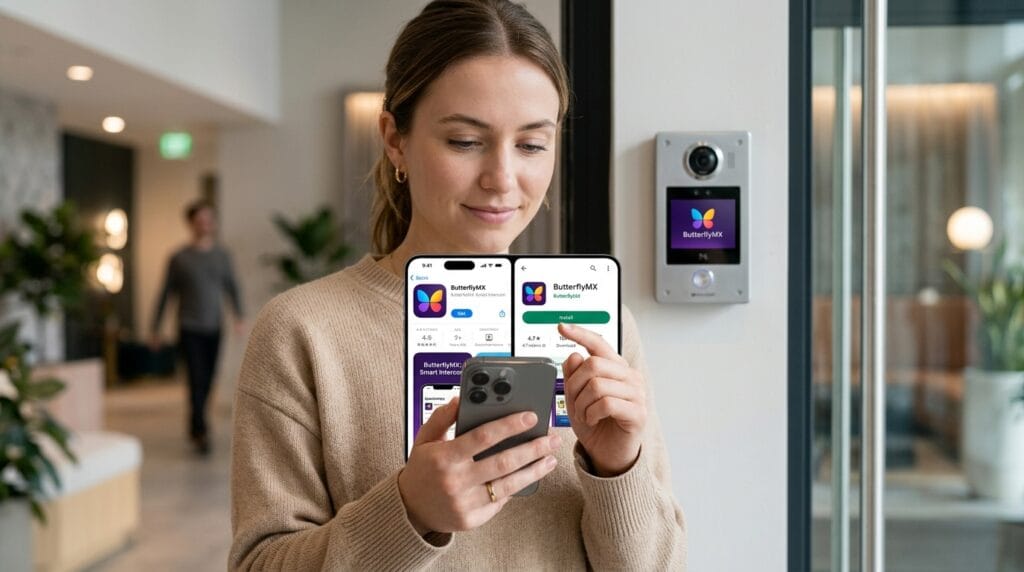
Getting started is quick and free. On your iPhone, open the Apple App Store and search for “butterflymx app”. For Android phones, go to the Google Play Store and type the same words. Make sure you pick the official one from ButterflyMX, Inc. to avoid any fake versions.
The download takes just a minute on most devices. The app works well with recent phones, and the 2026 updates brought smoother performance. After you install it, open the app for the first time. It will guide you gently through the first steps. If you use an older phone, check the store for compatibility notes. This way, you get the real butterflymx app for iphone or butterflymx app for android without any mix-ups.
Setting Up Your ButterflyMX Account and Registering for Access
Once the app is on your phone, you will need an invitation from your building’s management. They usually send an email with a link. Open that email and follow the simple steps to create your account. You verify your details and connect the app to your building and unit number.
Some people wait a bit for the email to arrive, so check your spam folder if it seems slow. After you log in, the app links everything smoothly. This part takes only a few minutes. Soon you will see your building options ready to use. If you hit a small bump like a login issue, double-check your internet and try again. Most folks finish setup fast and feel excited to try the first unlock.
Understanding the ButterflyMX App Interface and Main Screens
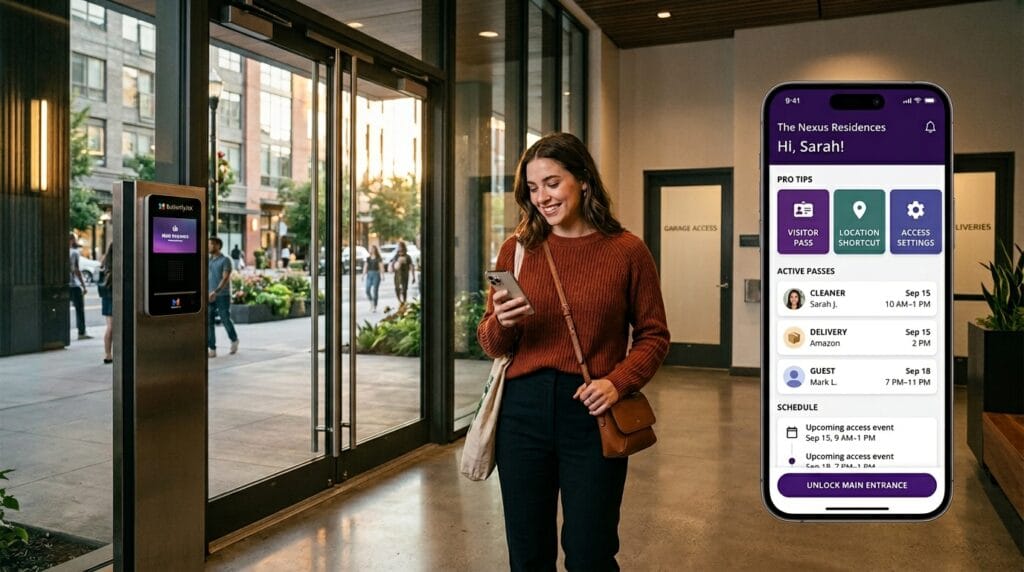
The butterflymx app interface feels clean and friendly on both iPhone and Android. The home screen shows big buttons for quick access. You will notice tabs or sections for notifications, visitor tools, and activity history.
One main area lets you control doors with easy taps. Another shows recent logs so you can see what happened at your building. The app looks similar on different phones, with clear buttons that are simple to find. You can even set favorite actions for faster daily use, like putting a quick unlock on your home screen. This layout helps beginners feel right at home right away.
Basic Ways to Open Doors, Gates, Elevators, and Garages
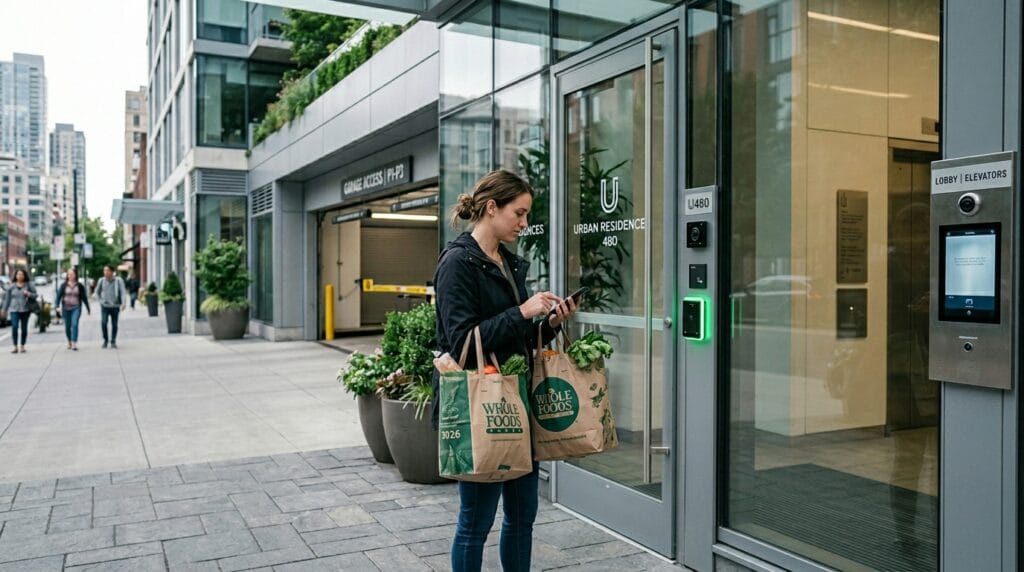
Using the app to open things is very straightforward. On the home screen, you often see a swipe-to-open button. Just slide your finger across it, and the door unlocks. You can also tap once for quick access from far away.
Think about coming home with bags full of groceries. With the butterflymx app, you open the gate without putting anything down. Or if you are away at work, you can still let a friend inside. These simple methods feel natural after just one or two tries. They work reliably for daily life and give you freedom you did not have before.
Using Location-Based Access and Quick Features in 2026
Newer updates in 2026 added smart location features. When you get close to your building, the app can unlock with less effort. You turn this on in the settings, and it works quietly in the background.
You can also add widgets to your phone screen or use voice commands for hands-free help. These shortcuts save seconds that add up over time. For example, while carrying kids or packages, a quick voice command opens the door. The butterflymx app keeps getting better at making real-life moments smoother without extra work from you.
Receiving Video Calls and Speaking with Visitors
When someone arrives at the entrance, your phone rings with a video call through the app. You see a clear live picture of who is there. This means you can chat and decide if you want to open the door.
You can switch to audio only if you prefer. The call quality is usually good, especially with a strong internet connection. Many people feel safer because they screen visitors before letting them in. Tips like answering in a quiet spot help the conversation flow nicely. This feature brings extra confidence to everyday home life.
Creating and Sending Visitor Passes for Guests and Family
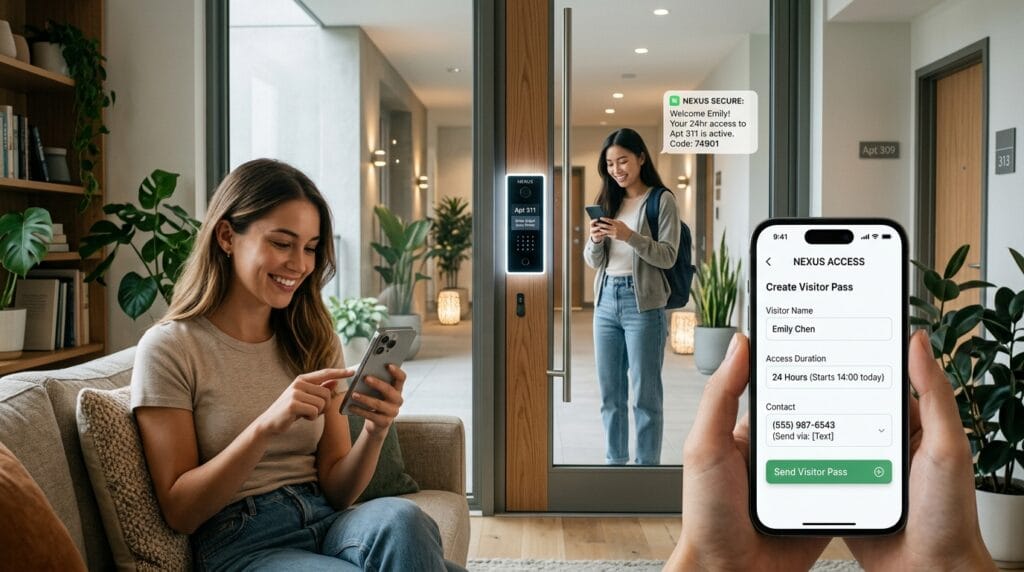
One of the best parts of the butterflymx app is making visitor passes. Open the app and look for the plus button to create a new pass. You pick how long it lasts, such as one time or for several days. Then you add a name and send it by text or email.
Your guest gets a simple link or code to open the door. You can cancel the pass anytime if plans change. This works great for family visits, friends stopping by, or helpers who come regularly. It feels caring and organized because you stay in control even when you are not home.
Managing Deliveries with Delivery Passes and Codes
Packages arrive all the time, and the app makes this easy too. You create a special delivery pass or a single-use code. Share it with the driver, and they can enter without bothering you. The system even takes a photo when they come in, so you have a record.
This helps with food orders, online shopping, or service workers like cleaners. You set limits so the pass works only when needed. Many guides skip this handy part, but it truly saves stress on busy days. Your deliveries stay safe and on time.
Setting Up and Using Your Personal Door PIN as Backup
Sometimes phones run out of battery or get left behind. That is why the butterflymx app lets you make a personal door PIN. Go to your account section, find the PIN area, and create a six-digit code. You can pick one that is easy for you or let the app suggest a random safe one.
At the building keypad or intercom, enter your PIN to unlock. This backup adds real peace because it works without your phone. Many residents keep it handy for those unexpected moments. It makes daily routines more reliable and less worrisome.
Using the ButterflyMX App on Apple Watch and Android Wear OS
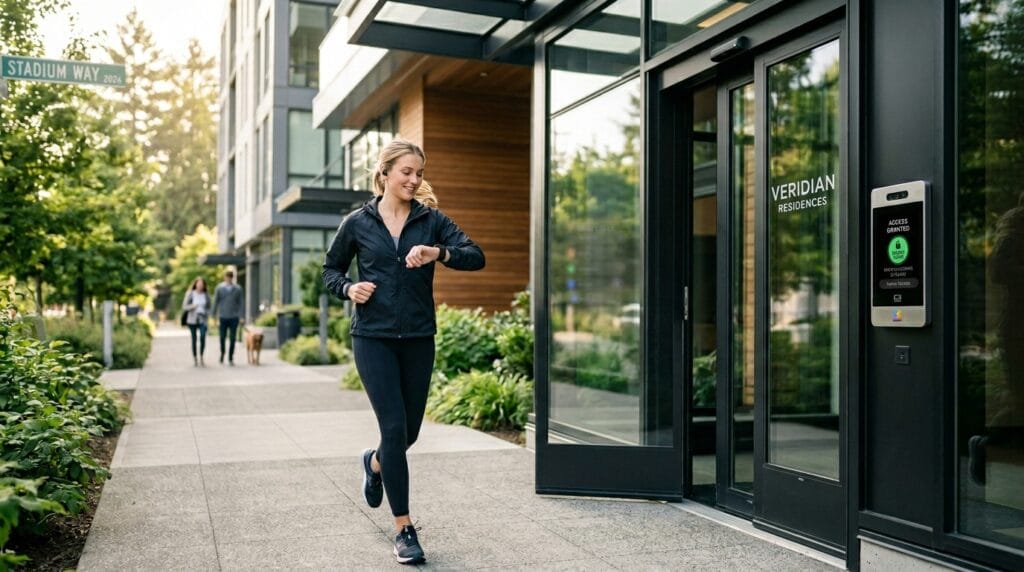
The app also works nicely on smartwatches. For Apple Watch, add it from your phone and enjoy quick unlocks right from your wrist. Cellular models let you leave your phone at home and still open doors while jogging or carrying things.
Android users with Wear OS get the same handy access. This feels freeing because your hands stay free for other tasks. The watch integration extends the butterflymx app usefulness in fun, practical ways throughout your day.
Checking Access History, Visitor Logs, and Notifications
Inside the app, you can look at a full history of what happened. It shows dates, times, and even photos from the entrance for each entry. You see if someone used a call, pass, or PIN.
Push notifications tell you about visitors or deliveries. You can adjust them so you only get important alerts. This keeps you informed without too many messages. Reviewing logs helps you feel secure and organized over weeks and months.
Troubleshooting When the ButterflyMX App Is Not Working, Down, or Slow
Even great apps can have small problems sometimes. If the butterflymx app not working, first check your internet or Wi-Fi. Restart the app or your phone to fix many glitches. For login troubles, make sure your date and time settings are correct.
If notifications stop, look in your phone settings to allow them again. Updates often solve crashes, so keep the app fresh from the store. Both iPhone and Android users find these steps help quickly. Reach out to your property manager or app support if something bigger comes up. Most issues clear up fast with these easy checks.
Optimizing Battery Life, Notifications, and Privacy Settings
To keep your phone happy, adjust a few simple things. Turn off location use when the app is closed if you do not need it. This saves battery during long days. Customize notifications so you hear only what matters to you.
The app respects your privacy with strong security steps. Review permissions once in a while to stay comfortable. These small habits help the butterflymx app run smoothly for months without draining your device too much. You enjoy the benefits while keeping everything private and efficient.
Pro Tips and Best Practices for Everyday Use
Over time, you will discover ways to get even more from the app. Combine features, like using a visitor pass with location shortcuts. Update the app regularly for new helpful tools. For buildings with many entrances, learn which ones your passes cover.
Service workers appreciate clear passes, so label them well. Think ahead for holidays or trips by setting longer access times. These real-world ideas help you avoid small headaches and enjoy the app fully. Many users say it changes how they live in their community for the better.
Frequently Asked Questions About the ButterflyMX App
What devices work with the butterflymx app?
It runs on most newer iPhones, iPads, Android phones, and compatible smartwatches. Check the store for your exact model.
What should I do if the butterflymx app is down?
Try closing and reopening it first. Check your connection and restart your phone. Contact support if it stays unavailable.
Are there big differences between the butterflymx app for iphone and Android?
The main features stay the same, but some buttons or gestures might look slightly different. Both give full access.
How do I get help with the app?
Your property management team knows local details. The app also has a support contact option inside.
Can I use the app without installing it on my phone?
Some features work through web links for guests, but full control needs the official app.
Is the butterflymx app safe for my information?
Yes, it uses good security steps. Always download from official stores and keep your phone updated.
What happens with visitor passes after they end?
They stop working automatically. You can remove them early if you want.
Does the app support voice commands?
Yes, you can connect it with Siri or Alexa for easy hands-free unlocks in 2026.
Final Thoughts: Getting the Most from Your ButterflyMX Experience
The butterflymx app truly simplifies how you move through your day. It opens doors, welcomes guests safely, and handles deliveries with care. You gain more freedom and security in a busy world. Start with the basic steps and explore a little more each week.
Bookmark this guide for quick help later. Check for updates because new features keep coming. You will soon wonder how you ever managed without it. Enjoy the ease and peace it brings to your home life.
Disclaimer:
This article is for general information and helpful guidance only. Always follow your property management rules and contact ButterflyMX support or your building team for any specific questions or technical issues. Results can vary based on your device, network, and building setup. We do not guarantee any particular outcome and recommend verifying details directly with official sources.
Explore More
- Big Lots App: Your Complete Guide to Shopping Deals, Coupons, and Easy In-Store Pickup (2026)
- BidFTA Mobile App: Shop Customer Returns and Overstock at Up to 90% Off
- Axis Care App: Complete Guide for Home Caregivers in 2026
About the Author







