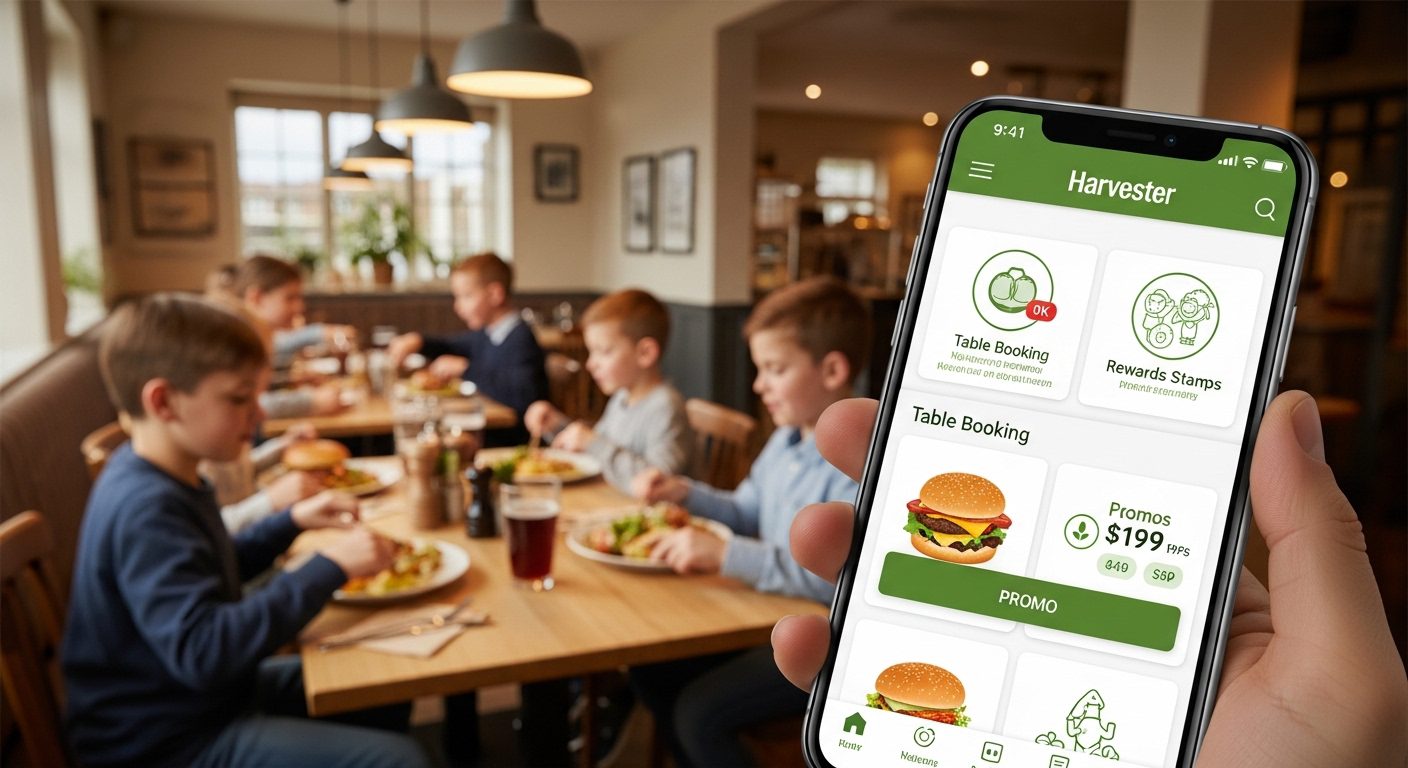
Many people in the UK love eating at Harvester restaurants because of the tasty food and friendly family atmosphere. Now, there is a simple way to enjoy your visits even more. The Harvester app helps you book a table quickly, collect rewards, and sometimes save money on your meals.
This app makes planning your meal easier and more fun. Families, friends, and even solo diners use it every day across the UK. In this guide, you will learn everything in simple steps. You will find out how to get the app, sign up for free, use promo codes, and fix common problems. By the end, you will feel confident using the Harvester app on your next visit.
What Is the Harvester App and Why Do People Use It?
The Harvester app is a free mobile tool made for Harvester restaurants in the UK. It works like a helpful friend in your pocket. With just a few taps on your phone, you can do many things that used to take more time.
For example, you can book a table without calling the restaurant. You can also see the menu clearly and even order food from your seat. Another great part is the rewards system called Flavour Fan Club. After you join, you collect stamps when you eat there. These stamps turn into nice surprises like free food or money off your bill.
That’s why so many people download the Harvester app. It saves time and adds extra joy to your meal. Because Harvester has restaurants all over the UK, the app works well whether you live in a big city or a smaller town. Over time, regular users say they feel more excited about going out to eat.
How to Harvester App Download on Your Phone
Getting the Harvester app is very easy and completely free. First, decide which phone you have. Most people in the UK use either an Android phone or an iPhone.
If you have an Android phone, open the Google Play Store. Type “Harvester” in the search bar at the top. You will see the official Harvester: Book, Order, Reward app. Tap on it, then press the Install button. The download starts right away and usually finishes in less than a minute.
For iPhone users, open the App Store. Search for “Harvester Food & Drink”. Choose the correct app made by the restaurant company. Tap Get and enter your password if needed. The Harvester app download works smoothly on most phones.
After the download finishes, open the app. You will see a welcome screen that explains the main features. This step takes only a few moments. Next, make sure your phone has a good internet connection during installation. That way, everything updates correctly from the start.
Many people choose the Harvester app download because it is quick and safe. You do not need to pay anything to get started.
Harvester App Sign Up Free – Simple Steps to Join
Once you open the app, the next step is to sign up. The good news is that Harvester app sign up is free and takes just a couple of minutes.
Start by tapping the sign-up or join button. You will need to give a few basic details like your email address and a password. Some people also add their name and birthday because this can unlock special offers later.
After you enter your information, the app will send a short code to your email. Open your email, copy that code, and paste it into the app. This confirms you are the real owner of the email.
That’s why the process feels safe and simple. In addition, new members often receive a welcome message with a nice starting offer, such as a discount on food. After you finish signing up, you become part of the Flavour Fan Club.
Now your account is ready. You can start exploring the app right away. Another thing is that you can log in later using the same email and password on any phone. This makes it convenient if you ever change devices.
How to Book a Table and Order Using the App
Booking a table is one of the most popular reasons people use the Harvester app UK. Open the app and look for the “Book a Table” section. Choose the restaurant closest to you by entering your postcode or allowing the app to use your location.
Next, pick the date and time you want to visit. You can also tell the app how many people are coming. After that, confirm your booking. You will get a simple message that your table is reserved.
When you arrive at the restaurant, the staff already knows you are coming. This means less waiting time, especially on busy weekends.
You can also order food directly from the table in some restaurants. Just open the app, scan the code on your table if asked, and choose your dishes. Pay through the app if you like. This feature feels modern and easy for families with small children.
For example, imagine you are out with friends on a Sunday. Instead of standing in line, you book ahead and order drinks while you chat. The whole experience becomes more relaxed.
Harvester App Promo Code and How Rewards Work
Many users look for a Harvester app promo code because it helps save money. Promo codes appear inside the app after you sign up. They often give percentage off your food bill or special deals on certain days.
To find your promo code, go to the offers or wallet section in the app. New members sometimes see a welcome code right away. You can use these codes when you pay at the restaurant or when ordering through the app.
In addition to promo codes, the stamp system is very popular. Every time you visit and pay for a full adult main meal, you collect one stamp in the app. You simply show your phone to the staff or add the order through the app.
After collecting a few stamps, rewards unlock automatically. For instance, you might get a mystery prize after the first stamp. Later, you could earn a free main meal or a bigger discount. These rewards make each visit feel more rewarding.
Because the offers change from time to time, it is smart to check the app regularly. In 2026, users still enjoy these benefits across UK restaurants. The system encourages you to come back and try different menu items without spending extra.
Harvester App Android – Tips for Best Performance
The Harvester app works well on Android phones. After you complete the Harvester app download, keep the app updated. Go to the Play Store, find the app, and tap Update if a new version is available.
An updated app runs smoother and has the latest offers. Another helpful tip is to allow notifications. This way, you receive messages about new promo codes or special events.
If your phone storage is full, the app may feel slow. Free up some space by deleting old photos or unused apps. This small step makes a big difference.
Many Android users in the UK say the app loads fast and the booking feature works reliably. Just make sure your phone’s operating system is not too old. Most recent Android versions support the app without any trouble.
What to Do When Harvester App Is Not Working or Seems Down
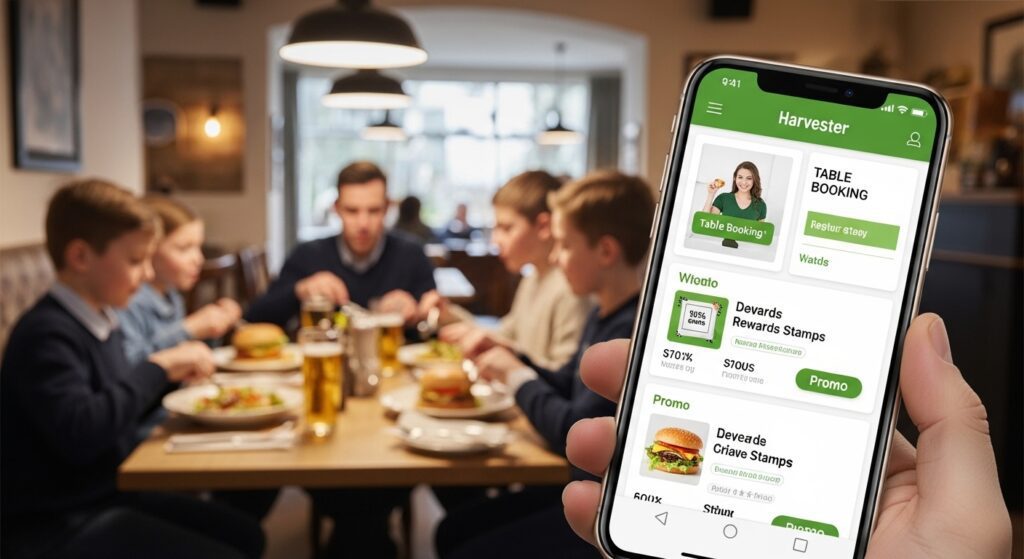
Sometimes the Harvester app not working properly. This can happen for simple reasons that you can fix yourself.
First, check if your internet connection is strong. The app needs Wi-Fi or mobile data to load menus and offers. Try switching between Wi-Fi and data to see which one works better.
Next, close the app completely and open it again. On Android, you can swipe the app away from recent apps. This refreshes everything.
Another common fix is to restart your phone. After restarting, open the Harvester app again. Many times, this solves temporary glitches.
If the problem continues, make sure you have the latest version. Go to the Play Store and check for updates. Old versions can cause the app to freeze or show wrong information.
People sometimes ask, “Is Harvester app down?” This usually means the app is not responding for them. In most cases, it is not a big server problem across the UK. Instead, it is often a small issue on the user’s phone.
Clear the app cache if needed. You can find this option in your phone settings under Apps, then find Harvester and choose Storage. Tap Clear Cache. Do not clear data unless you want to log in again.
These steps help most users get the app working again quickly. After fixing it, you can go back to booking your table or checking rewards.
Common Mistakes to Avoid When Using the App
It is easy to enjoy the Harvester app when you avoid a few simple mistakes. For example, do not wait until the last minute to book a popular restaurant on Friday night. Book a little earlier so you get your favourite time.
Another mistake is forgetting to check your offers before you visit. Open the app at home and see which promo code or stamp reward is ready. This way, you do not miss any savings.
Also, make sure your email and phone number in the app are correct. This helps you receive important messages and reset your password if you ever forget it.
Over time, many people learn that keeping the app updated and checking it regularly brings the best experience. Small habits like these make your Harvester visits smoother and more enjoyable.
FAQ – Quick Answers to Common Questions
How do I get a Harvester app promo code?
After you sign up free in the app, look in the offers section. New users often receive a welcome code automatically.
Is the Harvester app download safe?
Yes, download it only from the official Google Play Store or Apple App Store. This keeps your phone secure.
Can I use the Harvester app UK in every restaurant?
It works at most Harvester locations across the UK. Some smaller features may vary by restaurant, but booking and rewards are widely available.
What should I do if the Harvester app is not working on Android?
Try restarting your phone, updating the app, or clearing the cache. These steps fix most issues.
Do I need to pay to sign up?
No, Harvester app sign up is completely free. You only pay for the food you order at the restaurant.
How do I collect rewards stamps?
Visit a Harvester restaurant, order a qualifying meal, and add the stamp through the app. Rewards unlock as you collect more stamps.
Is the app good for families?
Yes, many families like it because booking is fast and kids enjoy the relaxed atmosphere at Harvester.
Final Thoughts
The Harvester app brings together many helpful features in one place. From easy booking and quick ordering to collecting stamps and enjoying rewards, it makes your restaurant visits better.
Whether you want to save money with a promo code, book a table without stress, or simply try new menu items, the app supports you every step of the way. Remember to download it safely, sign up free, and keep it updated for the best results.
Next time you plan a meal with family or friends, open the Harvester app first. You may discover a new favourite way to enjoy great food and warm company across the UK. Enjoy your next visit!
Disclaimer:
This article provides general information only based on publicly available details about the Harvester app as of 2026. It is not affiliated with, endorsed by, or connected to Harvester Restaurants or its parent company. Offers, features, and rewards can change at any time. Always check the official app and restaurant website for the latest information, terms, and conditions before using any promo code or reward. The author does not guarantee any specific discounts or results. Use the app at your own discretion.
Explore More
- App Afore: Manage Your Retirement Savings
- Desi Cinema App: Bollywood Movies, Web Series & Hindi Movies
- Official Blue Light Card App: Save Money on Shopping & Days Out
About the Author







