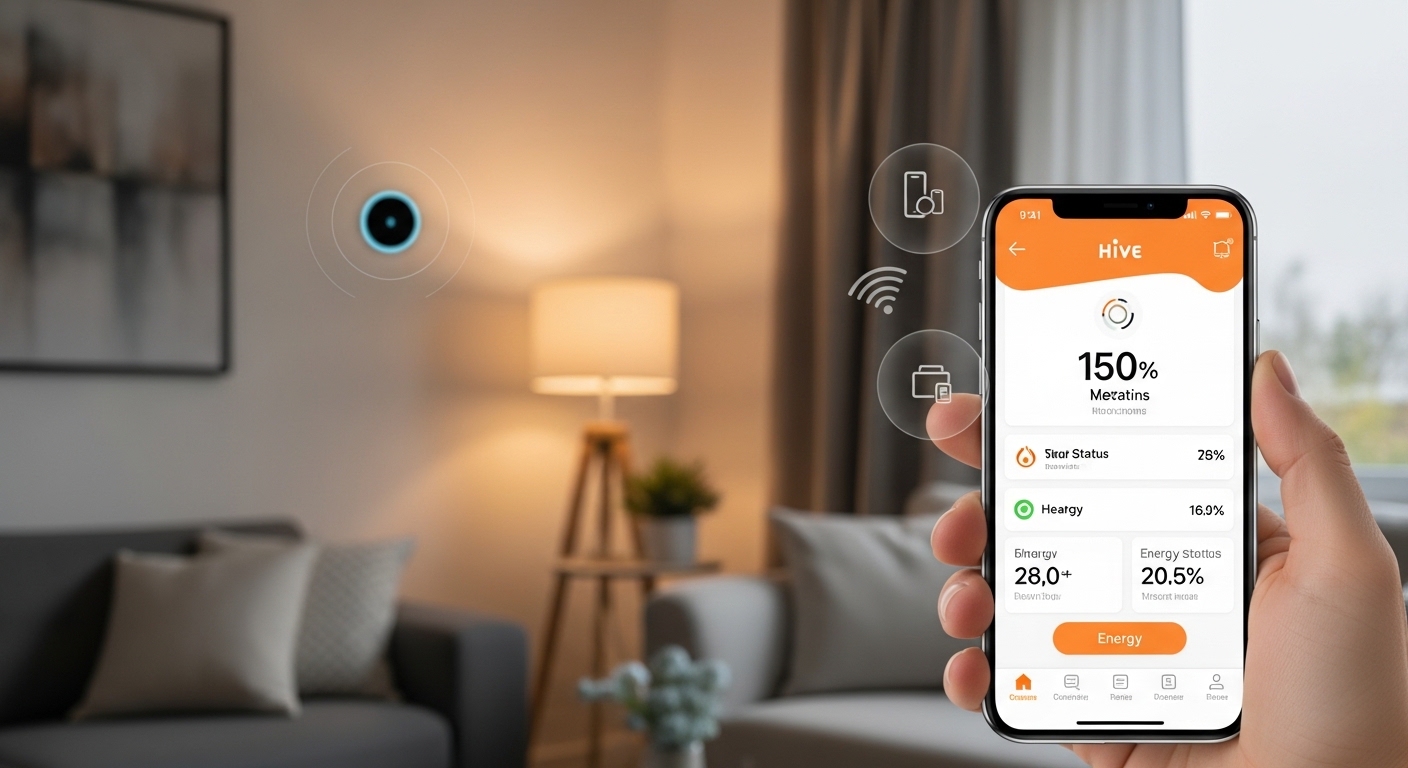
The Hive app helps you control your home heating, lights, and even EV charging right from your phone. In 2026, many people use it to save money on energy bills and make their homes more comfortable. You can turn the heat on before you get home or check your energy use in real time.
That’s why so many folks search for help with the Hive app. Maybe you want to download it, set it up, or fix problems like the app showing offline even when your thermostat works fine. This friendly guide walks you through everything step by step. We will cover simple fixes for common issues on iPhone and Android too. After reading, you will feel confident using the Hive app every day.
Why the Hive App Matters in 2026
Smart home tech keeps getting better. The Hive app now brings together heating, hot water, solar panels, batteries, and EV chargers in one place. You customize your dashboard to see only what you need. Many users notice real savings because they avoid heating empty rooms.
For example, imagine coming home on a cold evening. You open the Hive app on your train ride back and tap to warm the house. By the time you walk in, it feels cozy. This kind of control helps families, students living away from home, and small business owners who rent office spaces. Over time, these small changes add up to lower bills and less stress.
How to Download the Hive App Safely
First, grab the official Hive app. On an iPhone, open the App Store and search for “Hive”. On Android, go to Google Play and do the same. The app comes from Centrica Hive Limited, so check the developer name before you tap install.
The download is free and quick on most phones. After that, make sure your phone runs a recent operating system. In 2026, the app works smoothly on iOS 15.1 or later and current Android versions. Once installed, open it and follow the on-screen steps to create or log into your account.
Another thing is, always download from the official stores. This keeps your information safer and gives you the latest updates automatically.
Simple Steps to Set Up the Hive App
Setup feels easy once you break it down. After you open the Hive app, sign in with your email and password. Next, the app asks to connect your Hive hub or devices. The hub usually sits near your router and shows a green light when it works well.
Here is a quick way to connect:
- Make sure your phone stays close to the hub during setup.
- Follow the prompts to add your thermostat or other gadgets.
- Give the app permission for location and notifications. This helps it work better with your Wi-Fi.
After that, customize your home screen. You can drag tiles for heating, lights, or energy use wherever you like. Many beginners start with just the heating controls. Over time, you add more devices as you grow comfortable.
Think of it like arranging furniture in a new room. Start simple, then make it your own. For students or teachers, this means quick access to schedules without extra apps cluttering their phones.
How to Use the Hive App for Everyday Control
Using the Hive app gets simple fast. On the main screen, tap the heating section. You see options like Manual, Schedule, and Off. In Manual mode, slide the temperature up or down with your finger. Boost mode gives extra heat for a set time, perfect when you feel chilly.
To set a schedule, tap the Schedule tab. Pick days of the week and add time slots. For instance, set the heat to come on at 6:30 AM for an hour before work. Then add another slot for evening. The app lets you copy settings across days, which saves time.
In addition, check your energy use graphs. These show how much you spent today or this week. Many people use this to spot patterns, like leaving the heat on too long. Quick Actions let you create buttons for common tasks, such as “I’m home” that turns on lights and heating together.
For small businesses, some owners use the app to manage heating in different rooms or zones. A teacher might set a gentle schedule for a home office during lesson planning. Real-life example: Sarah, a busy mom, sets her Hive app to drop the temperature when the kids leave for school. She saves money without thinking about it every day.
Common Reasons the Hive App Stops Working
Sometimes the Hive app acts up. You open it and nothing responds, or it shows your thermostat as offline. These issues happen to many users, but most fixes take just a few minutes.
One frequent cause is an outdated app. Always check for updates in the App Store or Google Play. Another reason involves Wi-Fi. The Hive system prefers a strong 2.4 GHz signal. Thick walls or distance from the router can weaken the connection.
Also, phone settings matter. On Android, the app sometimes needs a cache clear. On iPhone, reinstalling often solves glitches. Server problems on Hive’s side occur too, but these usually fix themselves quickly. That’s why checking the official status page helps before you try bigger steps.
Quick Fixes When the Hive App Is Not Working
Let’s go through easy troubleshooting. Start small and work up.
First, restart your phone. Close the Hive app completely, then reopen it. Next, restart your Wi-Fi router and the Hive hub. Unplug the hub for 30 seconds, then plug it back in. Wait until the light turns solid green.
If the app still feels slow, try these:
- On Android, go to phone Settings > Apps > Hive > Storage > Clear Cache.
- On iPhone, delete and reinstall the app (your settings stay safe in the cloud).
- Log out of your account inside the app, then log back in.
For many people, these steps bring everything back online. Remember to keep your app and phone software updated in 2026 for smoother performance.
Fixing Hive App Not Connecting to Thermostat
The thermostat shows offline in the app, but your heating still works manually. This disconnect frustrates lots of users. Usually, the link between the thermostat, receiver, and hub needs refreshing.
Try this step-by-step fix:
- Remove the batteries from the thermostat for 10 seconds, then put them back.
- On the receiver (the box near your boiler), press and hold the button until the light flashes.
- Open the Hive app and look for the option to add or repair a device.
- Follow the prompts while staying close to the hub.
Another thing is battery life. Low batteries cause the thermostat to drop connection. Replace them with fresh ones every year or so. Also, move the hub away from microwaves, cordless phones, or thick walls for better signal.
In 2026, improved app guidance makes these repairs clearer than before. Many beginners now fix connection problems without calling support.
What to Do When the Hive App Shows Offline
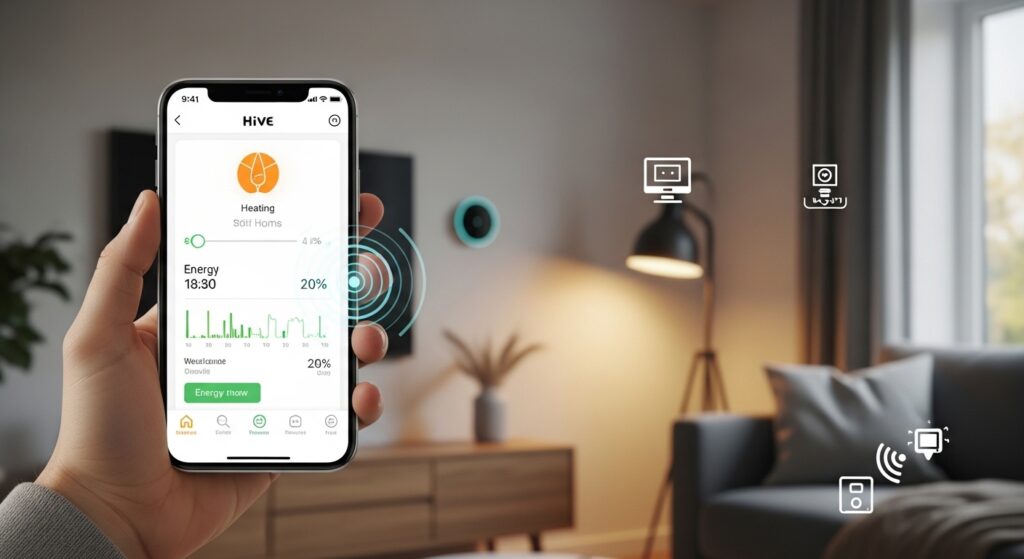
Your Hive app says everything is offline, yet the house feels warm and the lights respond. This often points to a temporary communication gap.
First, check your internet. Open another app or website on your phone. If the web works, the issue likely sits with the Hive hub. Restart the hub again. Next, look at the Hive status page online to see if any service problems exist.
After that, force close the app and reopen it. Sometimes the app needs a fresh start. For Android users, clearing cache helps a lot. iPhone users often solve it by reinstalling.
Real example: Mark came home one evening and saw “offline” everywhere in the app. He restarted the hub, waited two minutes, and everything reconnected. The whole process took less than five minutes. That’s why learning these steps gives you confidence.
Hive App Not Working on iPhone or Android – Platform-Specific Tips
iPhone and Android users sometimes face slightly different glitches.
On iPhone, the app may freeze on certain screens. Force close it by swiping up from the bottom and flicking the app away. Then restart your phone. Also, check that location services stay on for the Hive app.
On Android, spinning icons or slow loading appear more often. Clear the cache regularly. Make sure battery optimization does not restrict the Hive app in phone settings. In 2026, both platforms receive regular updates that fix these small bugs.
No matter your phone, keep the app permissions simple but necessary. Too many restrictions can block connections. Test after each change to see what works best for you.
Extra Tips for Smooth Hive App Use in 2026
Over time, small habits keep the Hive app running well. Place the hub in an open spot near the center of your home. Update the app as soon as a new version appears. Teach family members the basic controls so everyone helps.
For school projects, some students use the energy graphs to learn about saving power. They compare usage before and after setting smarter schedules. Small business owners appreciate the ability to control multiple zones from one account.
Another helpful idea involves Quick Actions and widgets. On Android, add widgets to your home screen for one-tap boosts. Voice control with assistants also makes daily use even easier.
FAQ About the Hive App
Why does my Hive app keep showing offline?
Often a weak Wi-Fi signal or temporary hub glitch causes this. Restart the hub and router first.
How do I download the Hive app for Android?
Search “Hive” in Google Play Store and install from the official developer.
My Hive app is not finding the thermostat. What now?
Remove and replace thermostat batteries, then put the receiver into pairing mode using the app.
Can the Hive app work on iPhone without issues?
Yes, most users enjoy smooth performance after updates and proper permissions.
What should I do if the Hive app is not working on my phone?
Update the app, restart your device, clear cache on Android, or reinstall on iPhone.
How do I set a heating schedule in the Hive app?
Open the Schedule tab, add time slots for each day, and save. Copy patterns to save time.
The thermostat works but the Hive app says offline. Help!
This means the connection between devices dropped. Restart everything and repair if needed.
Wrapping Up Your Hive App Journey
You now know how to download, set up, and use the Hive app with confidence. Common problems like not connecting, showing offline, or slow performance have straightforward fixes. With a little practice, the app becomes a helpful friend that saves you time and money every week.
Start small. Pick one feature, like daily heating control, and build from there. Many people discover they save more than they expected once everything runs smoothly. Enjoy a warmer, smarter home in 2026.
Disclaimer:
This article is for informational and educational purposes only. The information is based on 2026 trends and general user experiences with the Hive app. Technology changes quickly, so always verify the latest details directly from official Hive sources or support channels. This article does not endorse or promote any specific tool, service, or product. Readers should respect all copyright laws and terms of service when using any app or smart home device. If you experience ongoing technical issues, contact official support for personalized help.
Explore More
- GLE App Download & Setup Guide: How to Install and Use Easily
- Cineby App 2026 Guide: Download APK Latest Version, Firestick, PC, TV, iOS, Safety & Fix Not Working
- EE App Guide 2026: Download, Login, Install, Fix Not Working & Top Up Easily
About the Author







