Have you ever felt stressed trying to find coins for a parking machine or worrying about getting a fine because you ran out of time? In 2026, the apcoa connect app makes parking so much easier. This free tool lets drivers pay for parking and electric car charging without any tickets or hassle. It works at many APCOA car parks across the UK, Ireland, and parts of Europe. People love it because it saves time and gives peace of mind, especially when you are in a hurry to catch a train or meet friends.
What Is the APCOA Connect App?
The apcoa connect app is a simple mobile tool made by APCOA. It helps drivers pay for parking right from their phone. You can find nearby car parks on a map, start your parking time, and pay safely with just a few taps. No more hunting for change or standing in line at a machine.
The app also lets you manage your parking session. You can add more time if your meeting runs late or check your receipts later. It is designed for anyone who drives and wants things to feel smooth and quick. Many families and busy workers now use it every week because it fits easily into their day.
Why the APCOA Connect App Matters in 2026
Cities keep growing, and more people want ways to park without touching money or paper. The apcoa connect app answers this need perfectly. Contactless payments have become normal, and this app makes them simple at APCOA spots.
It also helps electric vehicle drivers a lot. You can find charging points, start charging, and pay all in one place. This fits with the bigger move toward cleaner travel in towns and cities. Over time, more drivers choose apps like this because they reduce stress and support greener habits. That is why the app feels more important each year.
How to Download the APCOA Connect App
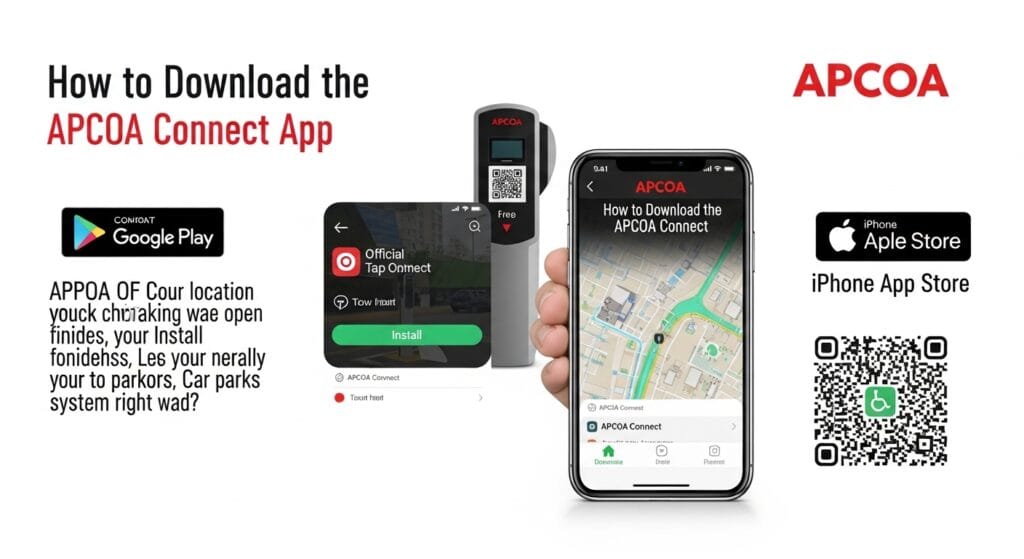
Getting the apcoa connect app download is quick and free. On an Android phone, open the Google Play Store and search for “APCOA Connect”. Tap the official one and hit Install. For iPhone or iPad, go to the Apple App Store, search the same name, and download it.
Make sure your phone runs a recent system version for the best experience. Most new phones work great. After it finishes, open the app and let it check your location if it asks. This helps it show nearby car parks right away. If you see a QR code at a parking spot, you can scan it too for a fast start.
Creating and Setting Up Your APCOA Connect Account
Once you have the app, setting up your account takes only a few minutes. Open the app and choose Register. You will need your email or phone number. They send a short code to check it is really you.
Next, add your car details like the number plate. This helps the system know your vehicle. Then put in your payment card information safely. The app keeps everything protected. You can save favorite cars or locations so next time goes even faster. Many people say this first setup feels friendly and clear.
Key Features of the APCOA Connect App in 2026
The apcoa connect app comes packed with helpful tools. You can search for car parks on a live map and see how full they are. Paying happens in seconds, and you can extend your time without walking back to your car. Digital receipts arrive right away, so you never lose proof of payment.
For electric car owners, the app shows charging points clearly. You start and stop charging easily and pay in the same place. Account tools let you change cards, add more vehicles, or check past trips. In 2026, smoother updates make the maps load faster and the whole experience feel calm and reliable.
Step-by-Step Guide: How to Use the APCOA Connect App for Parking
Using the app feels like a gentle walk through the process. First, park your car in an APCOA spot and open the app. Search for the location or let the map find it. Pick how long you want to stay and tap to pay.
Your session begins right away. The app shows the end time clearly. If you need more minutes, just open the active session and add time. When you finish, the app ends the parking automatically or you can stop it early. Everything stays simple so you can focus on your day.
Paying for Electric Vehicle Charging with the APCOA Connect App
Electric car drivers enjoy this part most. Open the map inside the app and look for charging points near you. The app shows which ones are free and ready. Drive there, plug in your car, and start the session with one tap.
You can watch the charging progress and stop when your battery feels full. Payment happens safely through the app. This all-in-one way means no extra cards or different screens. It makes charging feel like a normal, easy stop instead of something complicated.
Advanced Tips and Hidden Features Most Users Miss
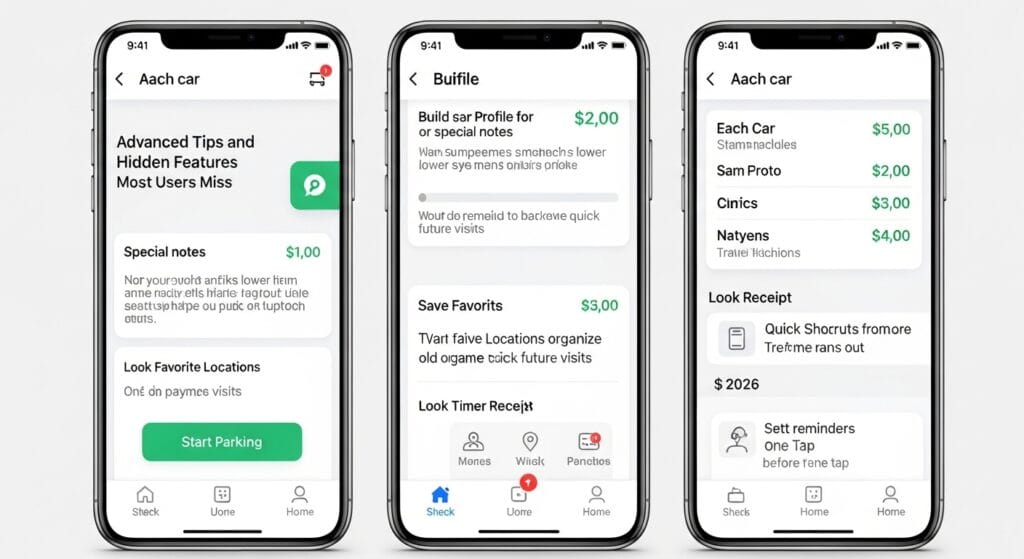
Many people use basic parts of the app but miss fun extras. You can build a profile for each car with special notes. This sometimes unlocks lower prices at certain spots. Save favorite locations so the app remembers them for quick future visits.
Look in the receipt area to organize old payments neatly. In 2026, quick shortcuts let you start parking from the home screen with one tap. Try setting reminders before time runs out. These small things turn the app into a true helper for daily drives.
Troubleshooting: APCOA Connect App Not Working and Common Fixes
Sometimes the apcoa connect app not working happens to everyone. If it will not load, check your internet first. Turn on location services because the app needs them to find car parks.
For login trouble, close the app completely and open it again. Update to the newest version in your store. Payment problems often fix by checking your card details or trying another card. If the map stays blank, restart your phone. Most issues clear up quickly with these easy steps. You rarely need to call support.
Benefits and Real-World Advantages of Using the APCOA Connect App
Using this app brings real calm to busy days. You save time because no machines or coins slow you down. Costs show clearly before you pay, so no surprise charges. Many drivers say they feel less worried about fines now.
It also helps the planet a little by cutting paper tickets. At busy airports or city centers, you move faster and enjoy your trip more. Families especially like how it keeps everyone relaxed during outings.
APCOA Connect App vs Other Parking Apps – Is It Worth It?
Other parking apps work in different places, but the apcoa connect app shines at APCOA car parks. It offers clear prices and easy extensions just for those spots. Some apps cover more streets, yet this one feels simpler inside its network.
In 2026, its strong EV charging tools set it apart. Coverage at stations, hospitals, and shopping areas makes it a smart choice if you visit those often. Many drivers keep it alongside one or two others for full flexibility.
Frequently Asked Questions About the APCOA Connect App
How safe is my payment information?
The app uses strong protection, and many people trust it for regular use.
Can I use it in Ireland or Europe?
Yes, it works at APCOA spots in those areas too, though some features may vary slightly by country.
What if I forget to stop my session?
The app usually ends it when you leave, but always check the rules at that car park.
Does it work without internet after starting?
Some sessions continue, but you need connection to start or extend.
How do I add another car?
Go to account settings and add the new number plate easily.
Why does it ask for my address?
This helps with receipts and location accuracy for better service.
Can children use the app?
Adults set it up, but older kids can learn to start sessions with permission.
What happens if my phone battery dies?
Try to keep some power or note your session details another way.
Final Thoughts and Getting Started with the APCOA Connect App
The apcoa connect app has grown into a kind helper for modern drivers. It removes old parking worries and brings new ease, especially for electric cars. From quick downloads to smart features, it fits real life nicely.
Why not try the apcoa connect app download today? Open your phone store, get it free, and test it on your next trip. You will likely wonder how you managed without it. In 2026 and beyond, tools like this keep making daily drives smoother and happier for everyone.
Disclaimer
This article shares general information based on public details about the APCOA Connect app in 2026. Always check the official app stores and APCOA websites for the latest steps, as features can change. The writer is not connected to the company and does not give official advice. Please follow all parking rules at each location to stay safe and happy.
Explore More
- AOL App Review 2026: Is It Still Worth It?
- Free Tech Giveaways in the UK: Gadgets You Can Win Without Paying
- Labrador Retriever Puppies California Adoption Resources
About the Author







