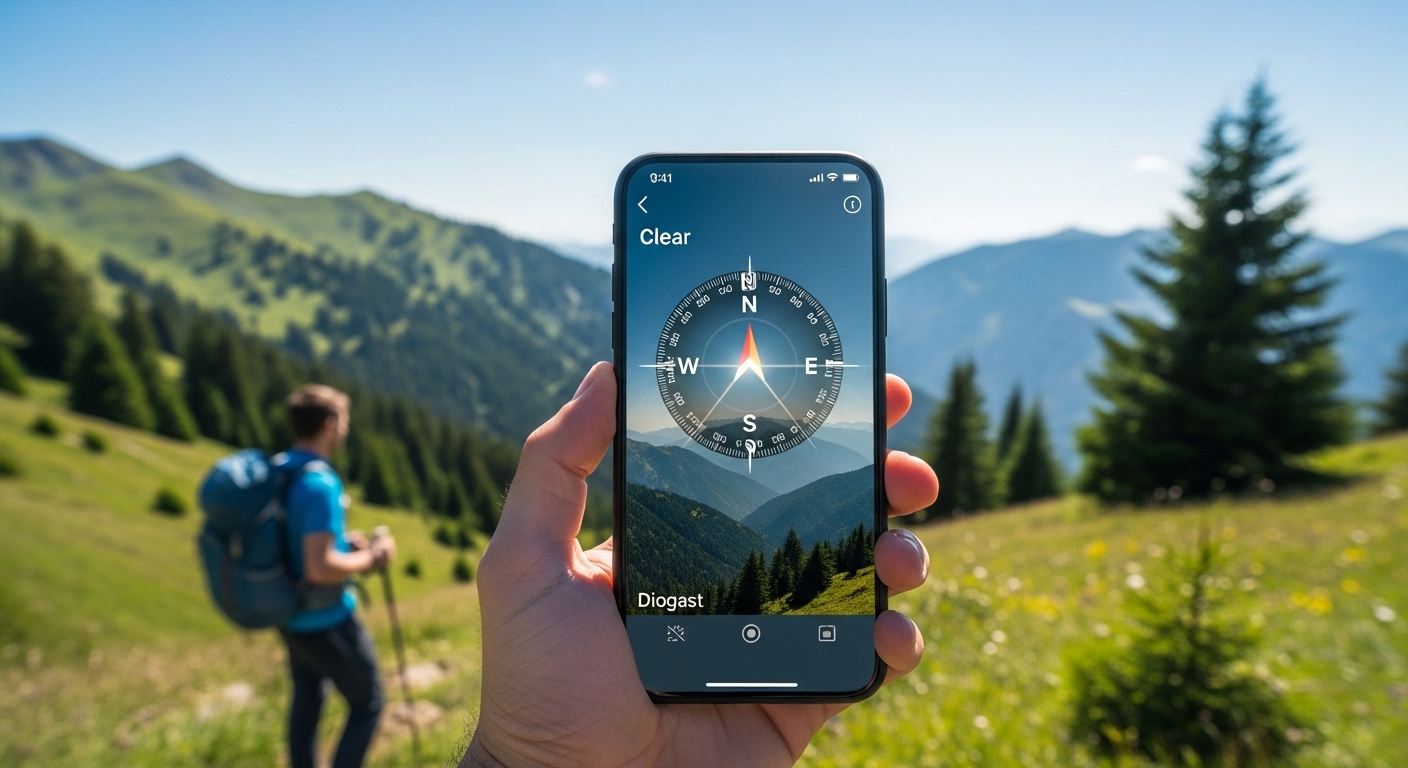
Imagine you are walking in a new park and you suddenly wonder which way is north. Or you go hiking with friends and want to make sure you do not get lost when the trail turns. A compass app on your phone can help you in these simple moments. It shows direction quickly and clearly using your phone’s built-in tools. Many people now use a compass app every day because phones are always with us. This article explains everything about a compass app in easy words so you can understand how it works and how to use it safely.
What Is a Compass App and Why Do People Use It?
A compass app is a simple tool on your smartphone that tells you which way you are facing. It works like the old magnetic compass that sailors used many years ago, but it is now inside your phone. You open the app and it shows an arrow pointing north, south, east, or west.
Many people like it because it is fast and free to use. For example, if you are driving in a new city and your main map stops working for a moment, a quick look at the compass app can help you turn the right way. Hikers use it to stay on course when trees block the sky. Even kids on a school trip can learn directions with it. That’s why the compass app has become popular for everyday life and outdoor fun.
In addition, modern phones have strong sensors, so the app gives clear readings most of the time. Over time, these apps have improved and now many include extra helpful features like showing your exact spot on earth.
How Does a Compass App Work?
Understanding how a compass app works is not hard. Your phone has a small sensor called a magnetometer. This sensor feels the natural magnetic field of the Earth, just like a real compass needle does. The app reads this information and shows you the direction right away.
Another thing is that many compass apps also use GPS. GPS tells the app exactly where you are on the map. When the app mixes the magnetic direction with your GPS location, it can show true north instead of just magnetic north. True north points to the top of the world, while magnetic north is a little different depending on where you live.
For example, suppose you are standing in a big open field. The app uses the magnetometer to find magnetic north and then corrects it with GPS data. This means you see the most accurate direction possible. Because phones now have better sensors in 2026, the readings feel smoother and update faster when you turn around.
Next, some apps add a bubble level, which is like a small tool that tells you if your phone is flat or tilted. This helps when you want very precise results. The whole process happens in seconds, so you do not have to wait.
Main Features You Will Find in a Good Compass App
A basic compass app shows the four main directions and a degree number. The degree tells you exactly how many degrees you are facing from north. For instance, zero degrees usually means you face north.
In addition, many apps now show your latitude and longitude. These numbers tell your exact position on the planet. Hikers like this because they can write down the numbers and share them with friends if needed.
Another useful feature is the bubble level. You place your phone on a table or tent pole, and the app shows if the surface is straight. This is handy when you set up a tent or hang a picture at home.
Some compass apps also work offline. This means you do not need internet or mobile data. The magnetic sensor still works without any signal. That’s why people who go to forests or mountains trust these apps. They know the direction will still appear even when there is no phone signal.
Over time, extra tools like sunrise and sunset times or altitude have appeared in many apps. These small additions make the compass app feel more complete for outdoor activities.
Compass App for Android Users
Android phones are very popular, and many people look for the best compass app for Android. A good one feels light and opens quickly. It should show clear numbers and an easy arrow that moves smoothly when you turn.
A free compass app for Android is usually enough for daily needs. It uses the phone’s own sensors without charging extra money. Many users say a simple free version works well for walking, driving, or camping.
If you have a Samsung phone, the Samsung compass app that comes built-in is often quite accurate. You can also download other options from the Play Store if you want more features. The best Android compass app usually has good reviews and works well on different phone models.
Because Android phones come in many sizes and prices, it helps to choose an app that does not use too much battery. Most modern ones are smart about this and only use power when the screen is on.
Compass App for iPhone Users
iPhone owners also have easy choices. The compass app iPhone that comes already installed is simple and clean. It shows direction, your current address, and even elevation in many cases. You can switch between true north and magnetic north with one tap.
Many people like the built-in version because it matches the phone’s design and feels safe. For those who want something extra, other apps in the App Store offer larger numbers or special views for hiking.
In 2026, iPhone compass tools have become even steadier because of better sensors in new models. This means less shaking when you hold the phone in your hand.
Whether you use Android or iPhone, the main idea stays the same. The app turns your phone into a helpful direction finder that is always in your pocket.
Practical Ways to Use a Compass App in Real Life
Let us talk about real examples. Suppose you go hiking with your family. You reach a fork in the path and feel unsure. You take out your phone, open the compass app, and check the direction you planned earlier. This small check helps you choose the correct trail and keeps everyone safe and happy.
Another example is when you travel to a new city. You step out of the train station and want to walk toward the main market. The compass app shows you which way is east so you can match it with your paper map or memory. Because the app works fast, you do not waste time standing still.
Campers use it at night to point their tent door toward the morning sun. Fishermen check the direction of the wind or water flow. Even in daily life, if you lose your sense of direction in a big mall or park, the app quietly helps you find the exit.
These simple uses show why a compass app adds real value without being complicated.
Tips for Getting Accurate Readings Every Time
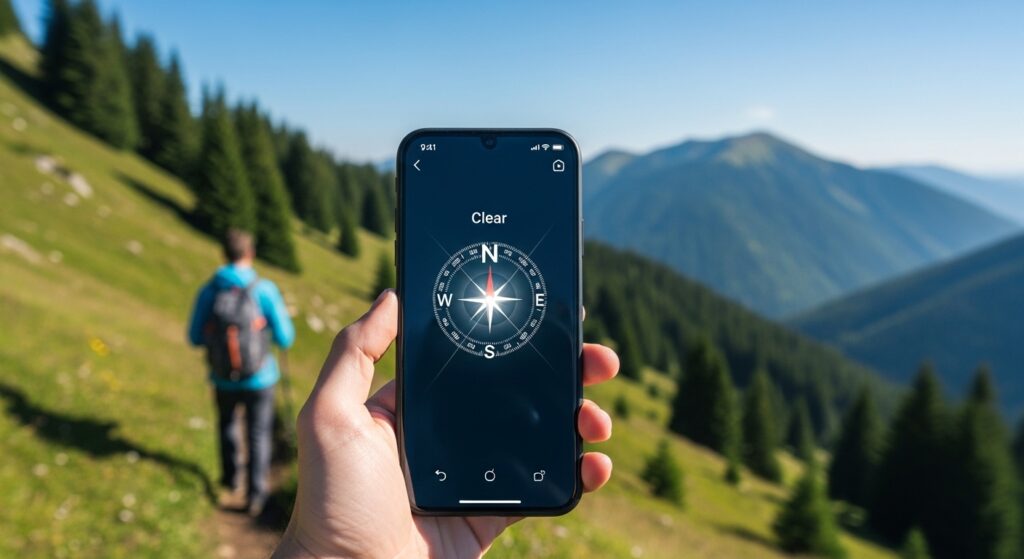
To make your compass app work its best, hold your phone flat in your hand like you are carrying a tray. If you tilt it too much, the reading can become less accurate. That’s why keeping it level is important.
Another good habit is to stay away from big metal objects. Cars, iron gates, or even your keys in the pocket can sometimes disturb the magnetic sensor. Move a few steps away and check again for better results.
Calibrate the app when you first open it. Many apps ask you to move the phone in a figure-eight shape. This helps the sensor learn the surroundings and give cleaner directions.
In addition, if you are in a new area, turn on GPS for a short time. This lets the app combine location data with magnetic direction for the most helpful view. After that, you can often turn GPS off to save battery if you only need basic direction.
Over time, practice these steps in your backyard or a familiar park. Soon using the compass app will feel natural, like checking the time on your phone.
Mistakes to Avoid When Using a Compass App
Even though a compass app is easy, some common mistakes can still happen. One big mistake is depending only on the app and forgetting to look around. Technology is helpful, but your own eyes and common sense are still important. For example, if the app says north but you see a river that should be on your left, double-check your path.
Another mistake is not checking the battery. If your phone dies in the middle of a long walk, the app stops working. Always carry a small power bank when you go far from home.
Some people forget about magnetic declination. This is the small natural difference between magnetic north and true north in your area. Good apps fix this automatically when GPS is on, but it is still smart to know it exists.
In addition, walking while staring only at the phone screen can make you trip or miss important signs on the trail. Look up often and use the app as a quick helper, not the only guide.
Avoiding these simple mistakes keeps your adventures safe and enjoyable.
FAQ About Compass App
Here are some natural questions people often ask:
Is a compass app free to use?
Yes, many compass app free versions give all the basic direction help you need without paying anything. Extra fancy features may cost money in some apps, but the main compass usually stays free.
Which is the best compass app for Android?
The best compass app for Android depends on what you like. Look for one that is light, shows clear directions, and works well offline. Read recent user reviews because new updates can improve accuracy.
Does the compass app iPhone work without internet?
Yes, the main direction part works without internet because it uses the phone’s own magnetic sensor. GPS features need a signal, but basic north pointing does not.
Can I use a Samsung compass app for hiking?
Many people use the Samsung compass app or other similar tools for hiking. Just remember to test it first in a safe place and combine it with a good map.
Why does my compass app sometimes shake or give wrong direction?
This usually happens near metal, when the phone is tilted, or if the sensor needs recalibration. Moving away from metal and holding the phone flat often fixes it quickly.
Is it safe to trust a compass app completely?
It is a helpful tool, but smart travelers always carry a backup plan like a paper map or telling a friend their route. Technology can have problems, so use the app wisely.
Do compass apps work inside buildings?
The magnetic part can still show direction, but metal beams or wires in buildings may disturb the reading. It is usually more accurate outside in open areas.
Final Thoughts
A compass app brings old-fashioned direction finding into the modern phone in your hand. It uses simple sensors and smart software to show north, help you stay on course, and make outdoor trips less stressful. Whether you need a free compass app for Android, the built-in compass app iPhone, or any other version, the goal stays the same — helping you know which way to go.
Remember the key points: hold your phone flat, stay away from strong metal, combine the app with your own good judgment, and practice in safe places first. In 2026, these digital tools continue to improve, yet the basic idea of finding direction remains useful and timeless.
Next time you feel unsure about which way to turn, open your compass app with confidence. It is a small tool that can bring big peace of mind on any journey. Safe travels and happy exploring!
Disclaimer:
This article is for general information and educational purposes only. Compass apps depend on your phone’s hardware sensors and can be affected by magnetic interference, battery level, or software updates. Always use them as a supplementary tool along with traditional navigation methods, common sense, and proper safety precautions, especially in remote or emergency situations. The author does not endorse any specific app and is not responsible for any navigation errors or incidents.
Explore More
- BOTB App: Battle Of The Brands
- HomeSwapper App – Swap Homes, Travel Free & Save Big
- Jipinfeiche: The Ultimate Racing Thrill You Need to Experience Right Now!
About the Author








