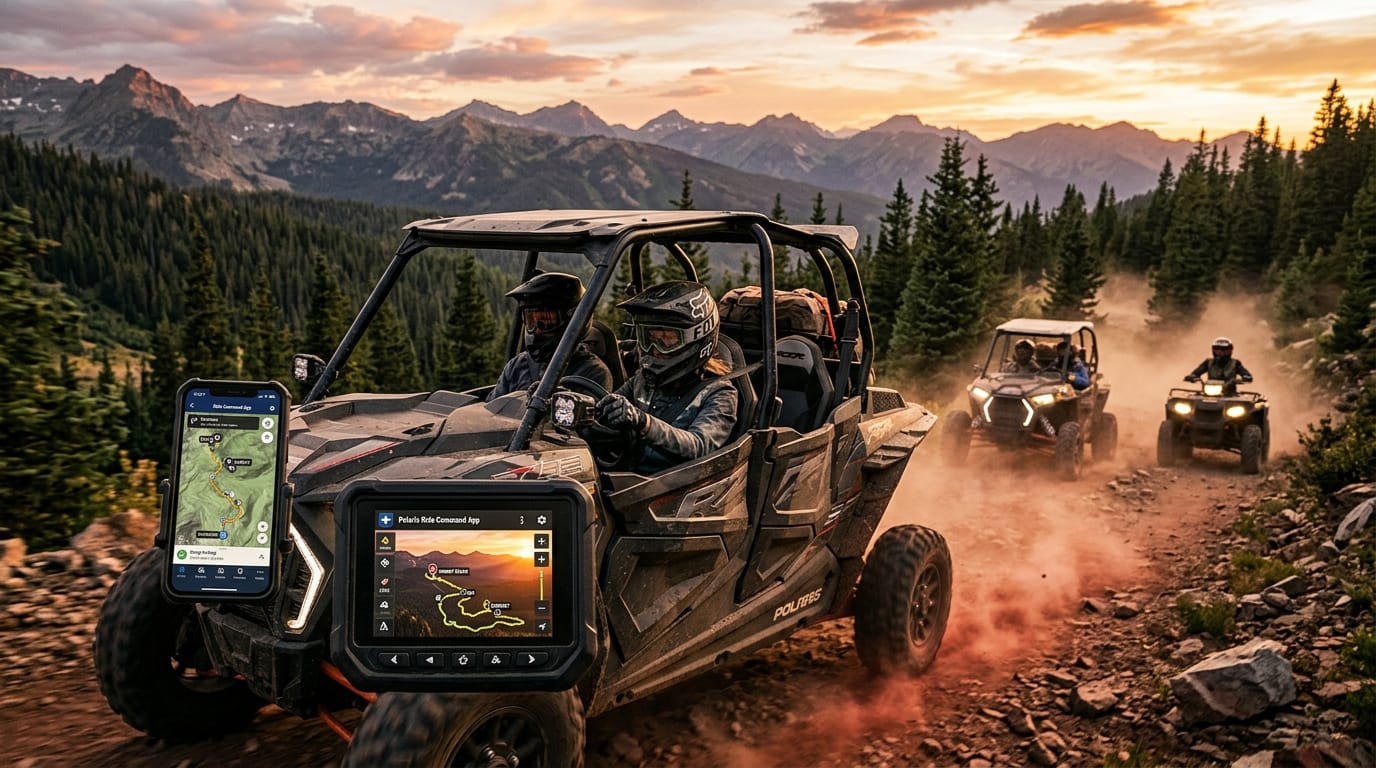
Imagine heading out on a fun trail adventure with your friends, feeling safe and ready for anything new along the way. In 2026, the polaris ride command app makes this kind of riding easier and more enjoyable than ever before. This helpful tool brings smart maps and ways to stay connected right into your pocket. It works well with off-road vehicles and powersport machines, so you can enjoy your time outside without needing lots of extra expensive gear for the basic parts. Many riders now turn to it because it helps them feel more confident on the trails while adding extra safety and fun to every trip.
Introduction to the Polaris Ride Command App
The polaris ride command app is a special phone tool from Polaris that connects you to their bigger RIDE COMMAND system. This system helps people who love riding off-road or on powersport vehicles. It puts powerful mapping and sharing options right in your hand. You do not need fancy screens built into your vehicle to start using the main parts. Many people like it because it opens up new trails safely and lets them explore places they might have missed before. Over time, it has grown into a favorite for riders who want better navigation and ways to share their adventures.
Riders turn to this app when they want simple help planning trips or staying in touch with others. It uses real trail information from millions of miles of paths that other riders have checked. This means you can trust the routes more and spend less time worrying about getting lost. In addition, it works smoothly with your phone so you can focus on the joy of riding instead of figuring things out alone. That is why so many friends now plan group trips with it and come home with great stories.
Key Features That Make Riding Better
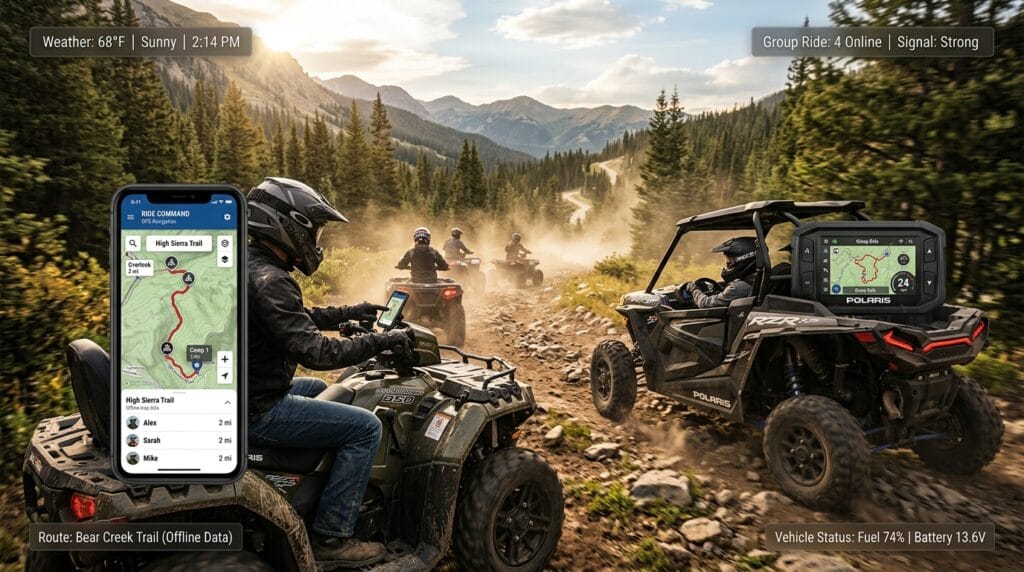
One of the best parts of the polaris ride command app is its smart GPS navigation. It snaps right to the trails so you stay on the correct path even in tricky spots. You can create waypoints to mark special places like good views or safe rest stops. Another nice thing is the offline maps feature. You download them ahead of time, which helps a lot when you ride far from phone signals.
Group Ride is another standout tool. It lets you see where your friends are on the map in real time, so no one gets left behind. Weather information shows up too, which helps you prepare for rain or sun changes during the day. The app also includes vehicle tools that match your specific machine. For example, it can track basic ride details and make planning feel organized. These features work together to turn a simple ride into something more exciting and safe. Over time, riders notice they explore more confidently because everything feels connected and easy to reach.
Is the Polaris Ride Command App Free?
Yes, the basic polaris ride command app is free to download and use for many core features. You get access to navigation, trail maps, waypoint tools, and Group Ride without paying anything upfront. This makes it a great starting point for new riders who want to test things out first.
For more advanced options, there is an optional RIDE COMMAND+ subscription. This adds helpful extras like remote vehicle monitoring, location alerts if someone moves your machine, and health checks for things like battery or oil levels. Pricing usually offers monthly or yearly choices, and new users or vehicle owners often get a free trial period to try the premium parts. After the trial, you choose what fits your riding needs best. This setup lets everyone start free and add more only when they see clear value for their adventures.
How to Download and Install the Polaris Ride Command App
Getting started with the polaris ride command app is straightforward. First, open the app store on your phone. Search for it on Google Play for Android devices or the Apple App Store for iPhone and iPad. Tap to download and install it on your device. After that, open the app and create an account or log in if you already have one.
Next, add your vehicle to the garage section by entering the details or VIN number. This step connects everything nicely and unlocks features matched to your ride. Take a few minutes to explore the first screens and allow necessary permissions like location access. Many riders avoid early trouble by updating their phone software before they begin. Soon you will feel comfortable and ready to plan your first trip.
Polaris Ride Command App for Android and iOS Devices
The polaris ride command app works well on both Android phones and tablets as well as iOS devices like iPhones. Android users enjoy good compatibility across many models, and the app performs smoothly for navigation and group features. On iOS, it offers clean support for iPhones with nice touch controls that feel natural during rides.
Special notes apply for iPad use with the polaris ride command app for ipad. Some riders mount their iPad in the vehicle for a bigger view, but check that your model meets the latest requirements for best results. Performance can feel strong in landscape mode, which helps when you want a wide map look. Tips include keeping your device charged and using a secure mount to handle bumps on the trail. This way, the app becomes a true helper no matter which device you pick.
Understanding the Polaris Ride Command App Interface
The polaris ride command app has a clean and friendly layout that feels welcoming even for first-time users. The main map view takes center stage, showing trails and your location clearly. Simple menus let you switch between planning, tracking, or checking weather without confusion. Custom options allow you to adjust what you see, such as adding favorite layers or changing colors for easy reading.
Because the design stays simple, beginners quickly learn to move around. For instance, tapping a button opens waypoint tools or starts a group session. This thoughtful setup reduces stress on the trail and helps everyone focus on fun instead of learning complicated steps. In addition, smooth switches between screens make the whole experience flow nicely during active rides.
How to Use the Polaris Ride Command App Effectively
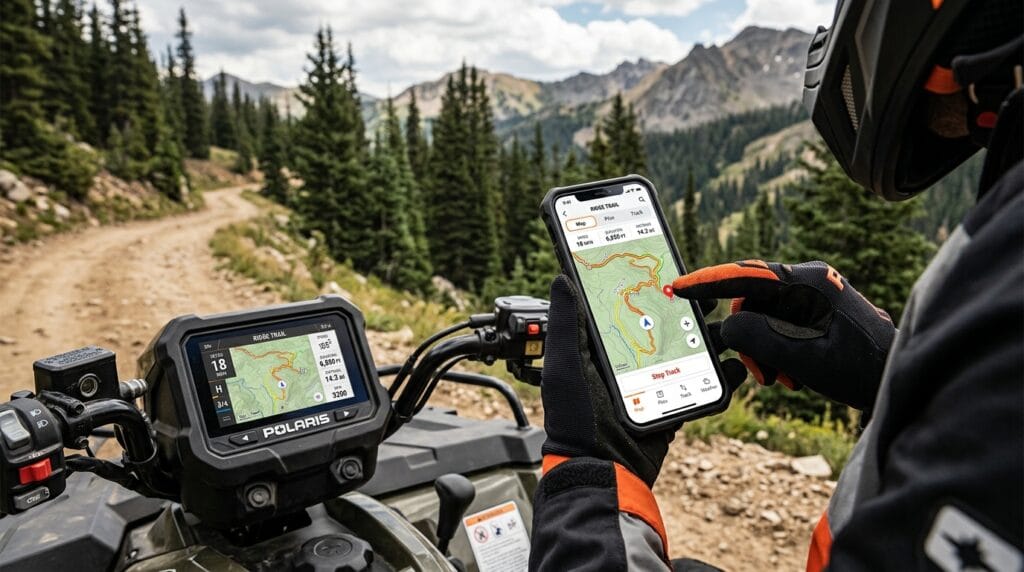
Using the polaris ride command app becomes natural with a little practice. Start by planning a route on the map screen. Pick your start point, add stops, and let it snap to trails for safe directions. Drop waypoints along the way to remember special spots for future trips. For group fun, invite friends to a Group Ride session so you can all see each other move.
Download offline maps before you leave home to stay prepared in remote areas. Sync the app with your vehicle display if you have one through Bluetooth or Wi-Fi for even better views. Practical tips include checking weather first and testing the connection at home. Over time, these steps turn the app into a reliable riding companion that makes trails feel more organized and full of adventure.
Polaris Ride Command App Problems and How to Fix Them
Even good apps can have small issues sometimes. Some riders notice syncing troubles or crashes on certain phones. Connectivity might drop in low-signal spots, and battery use can increase during long trips. Map details may seem off in rare areas, or login steps could feel tricky at first.
Simple fixes often help right away. Keep the app and your phone updated to the newest version. Restart the device if something freezes, and make sure permissions for location and notifications stay on. For battery worries, use a power source while riding. If problems continue, reach out to Polaris support for personal help. Most users find that quick checks solve the majority of common hurdles.
Polaris Ride Command App Cost and Value
The polaris ride command app itself costs nothing for the main features, which already give strong value to casual riders. Adding RIDE COMMAND+ brings premium tools at a subscription price, often around yearly options after any free period. Hardware like plug-in modules for extra connectivity may add more cost but unlock remote features.
When you compare everything, the investment feels worth it for frequent riders who enjoy safety alerts and monitoring. Solo adventurers might stick with the free version and still gain a lot. Different riders find their own balance, but the app overall delivers helpful tools that improve time on the trails without breaking the bank.
Real User Reviews and Experiences
In 2026, riders share mostly positive thoughts about the polaris ride command app. Many praise the navigation and Group Ride features for making outings safer and more social. One person said it helped them backtrack easily when they wandered off a path. Others like the weather checks and waypoint tools that keep trips organized.
Some feedback mentions areas for growth, such as occasional tracking glitches without signal or wishes for even smoother iPad support. Overall, users feel the app has improved with updates and continues to help them enjoy riding more. These honest stories show it fits well for many different riding styles.
Tips and Best Practices for Better Riding with the App
To get the most from the polaris ride command app, prepare offline maps the night before any big trip. Combine it with your vehicle display for larger views when possible. Customize notifications so important alerts stand out without distraction. Keep the app maintained by checking for updates regularly.
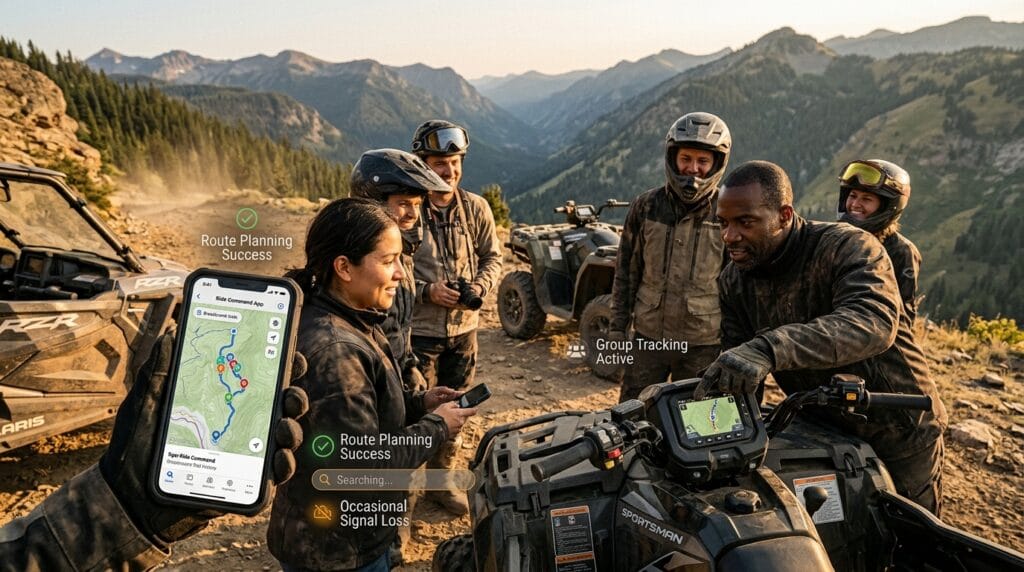
For group rides, practice inviting friends ahead of time. Solo riders can use it to record paths and discover new favorites. These small habits build safer and happier adventures over time. Another helpful idea is testing everything on a short local ride first so you feel confident on longer journeys.
Frequently Asked Questions
How do I download the polaris ride command app for android or iOS?
Visit your phone’s app store, search for the official Polaris app, and install it. Create an account after opening it to begin.
Is polaris ride command app free or does it cost money?
The core app is free with many useful tools. Premium RIDE COMMAND+ features need a subscription after any trial time.
What devices work best with the polaris ride command app for ipad?
Newer iPads and iPhones run it well, especially in landscape mode. Always use the latest operating system for smooth performance.
How can I fix polaris ride command app problems like crashes?
Update the app and phone, restart your device, and check permissions. Contact support if issues stay after basic steps.
Does the app need internet all the time?
No, offline maps let you ride without signal. Group Ride works better with connection but shows last known spots otherwise.
Can I use the polaris ride command app with my specific vehicle?
Yes, add your vehicle details in the garage to match features perfectly.
How does Group Ride help on trails?
It shows friends’ locations live so everyone stays together safely.
Is it better than other trail apps?
Many riders like its Polaris vehicle tools and large trail database, but try it to see what fits your style.
Conclusion
The polaris ride command app opens up wonderful possibilities for better riding in 2026. With its maps, group tools, and easy setup, it helps you feel more prepared and connected on every adventure. Take time to explore its features at your own pace, and soon you will create memories that last. Whether you ride alone or with friends, this app can make your time outside even more special. Go ahead and give it a try on your next trip. You might discover new trails and joys you never expected.
Disclaimer
This article shares general information based on public details about the Polaris Ride Command App to help riders learn more. It is not official advice from Polaris, and details like features, pricing, and availability can change. Always check the latest information directly from the Polaris website or app store before you download or use anything. Ride safely, follow local trail rules, and make choices that fit your own needs and vehicle.
Explore More
- Pianoforte App Review: Learn to Play Piano Easily on Your Phone in 2026
- How to Use the Park Boston App: Complete Guide for Easy Parking in 2026
- What Is Software RCSDASSK and How Does It Work? Complete Guide
About the Author







